


ACADEMIC WORK
A method you can explain.
Document criteria, weights, chosen methods and intermediate calculations for seminar papers, theses and applied research.
DECISION ANALYSIS FOR IPHONE, IPAD AND MAC
Compare your options, give your priorities a weight, and see how different methods shape the result. A clear path from a complex question to a decision you can explain.
Coming to the App Store
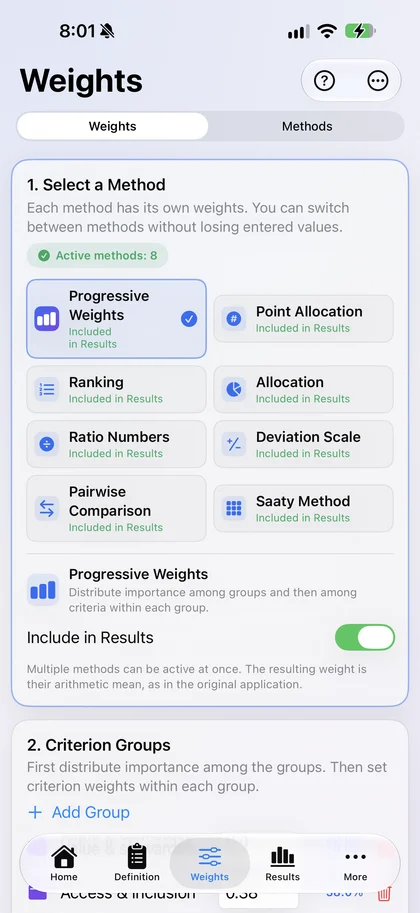
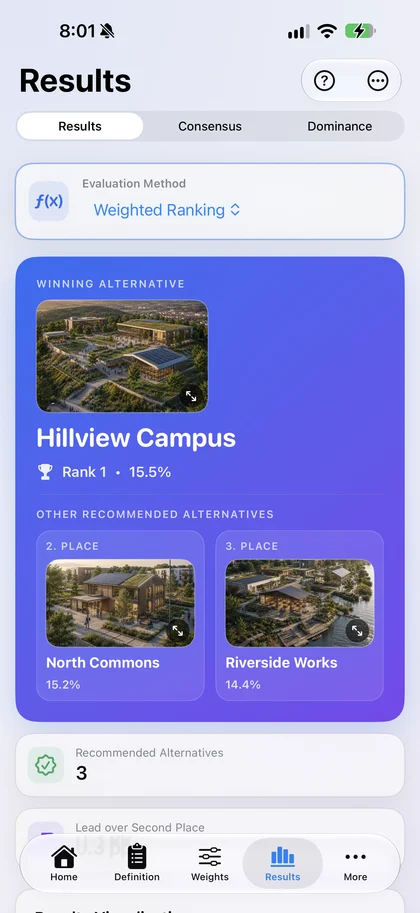
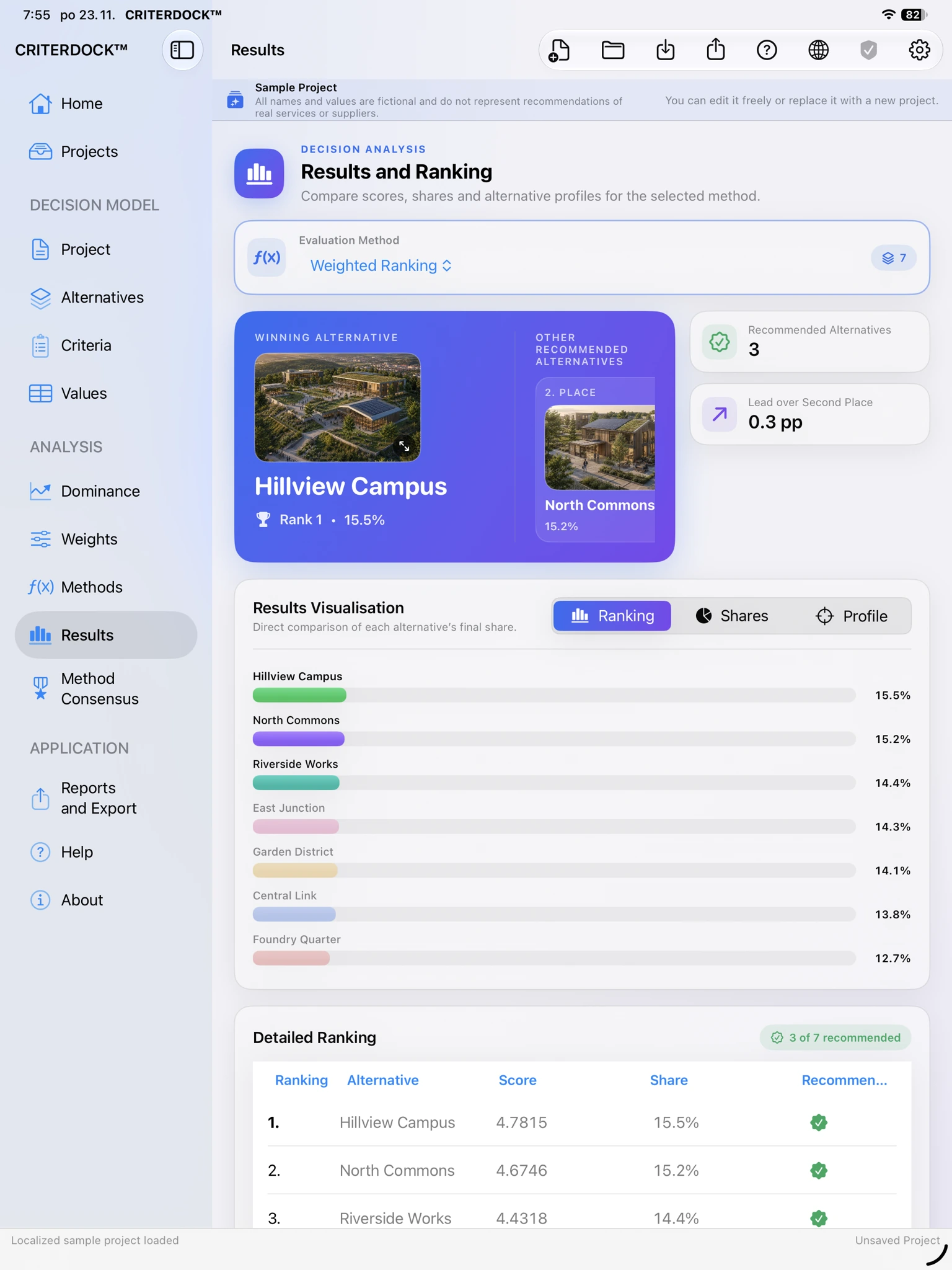
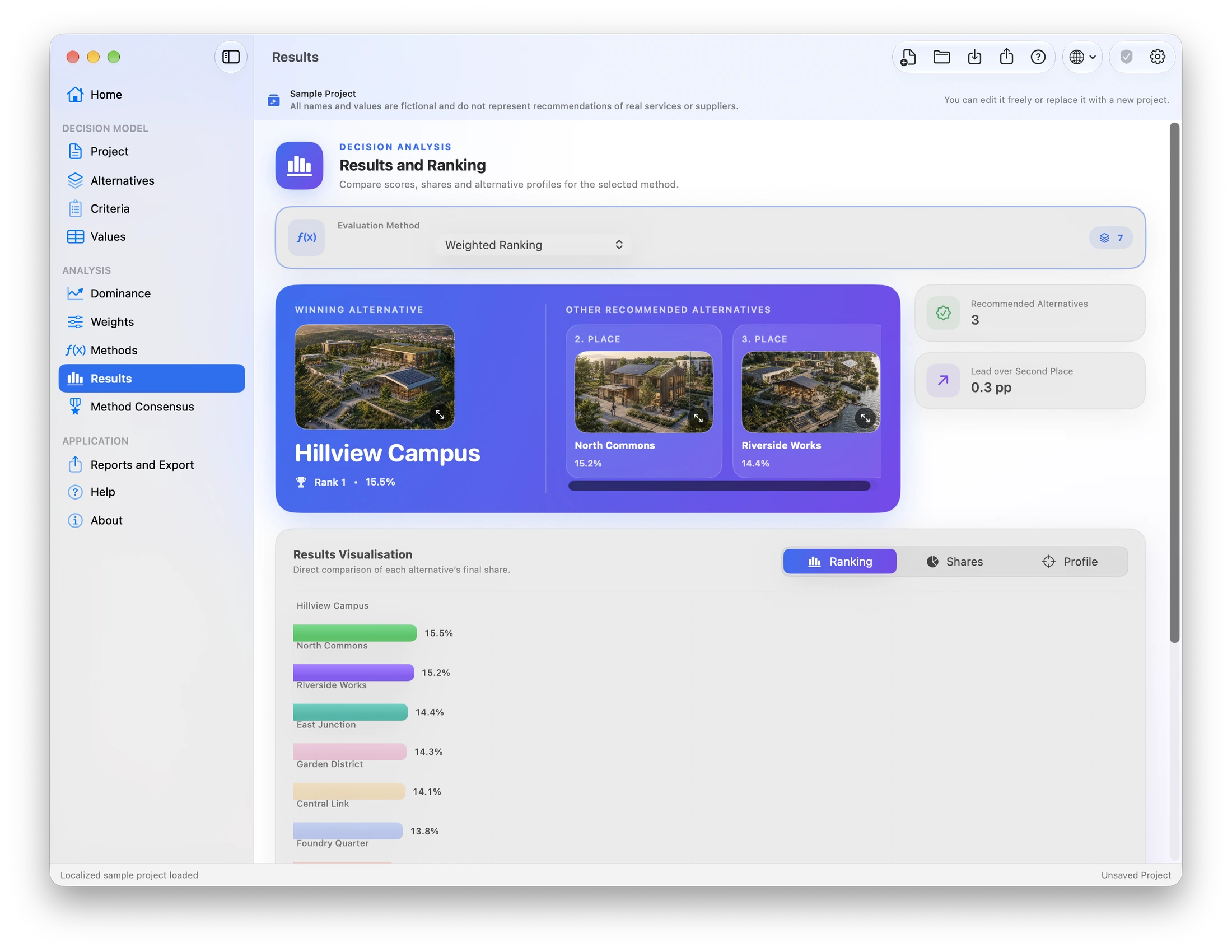

iPhone · iPad · Mac
CRITERDOCK brings the same transparent structure to every decision—whether it becomes part of a thesis, a management recommendation or a private choice.
ACADEMIC WORK
Document criteria, weights, chosen methods and intermediate calculations for seminar papers, theses and applied research.
ORGANISATIONS
Compare suppliers, investments, projects or strategic alternatives and present the reasoning behind the recommendation.
SCHOOLS AND TEACHING
Explore criteria, weighting and alternative evaluation with students. Compare how different methods affect a recommendation.
INDIVIDUALS
Structure important personal choices, see the trade-offs and avoid relying on a single impression or an unspoken preference.
FROM OPTIONS TO A RECOMMENDATION
A location, an investment, a supplier. Bring the alternatives and the criteria that matter into one project.
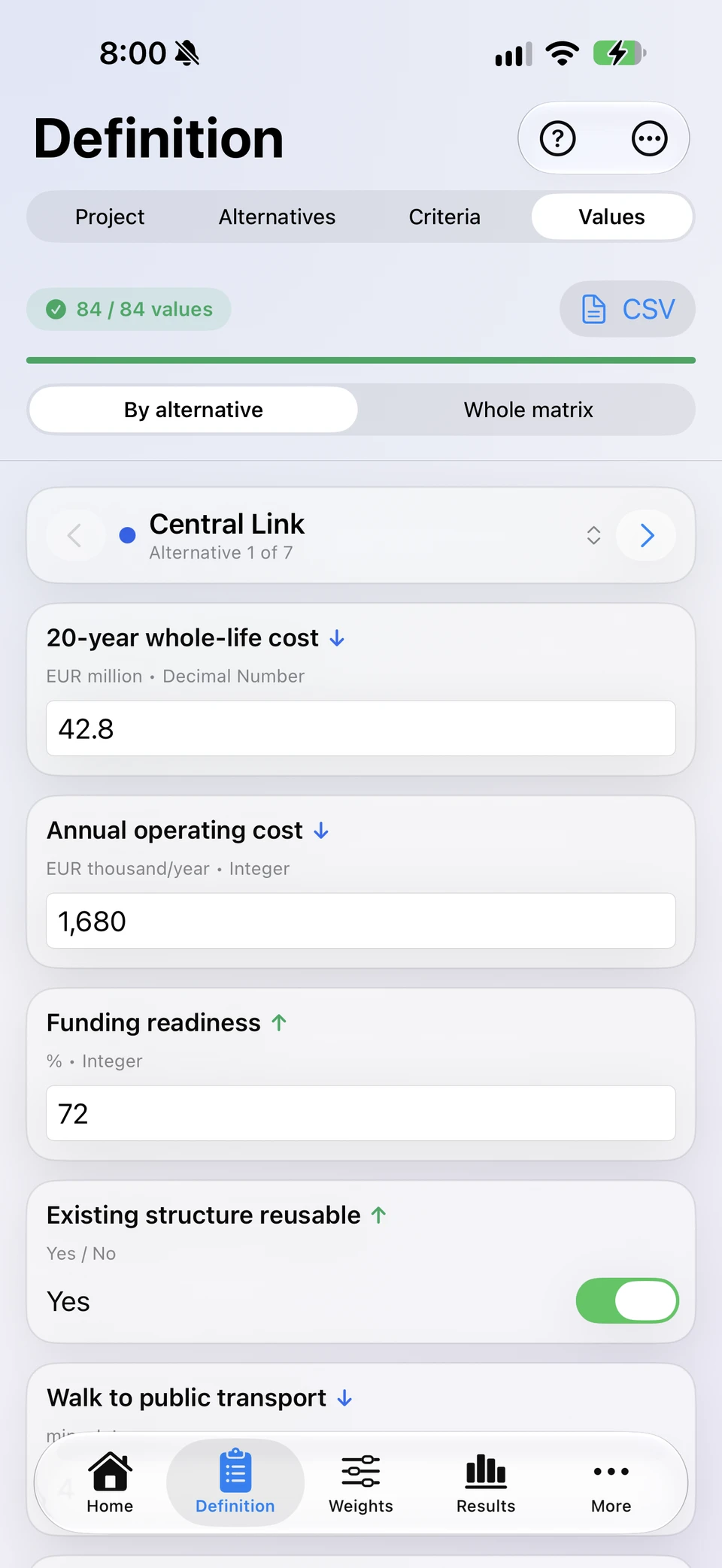
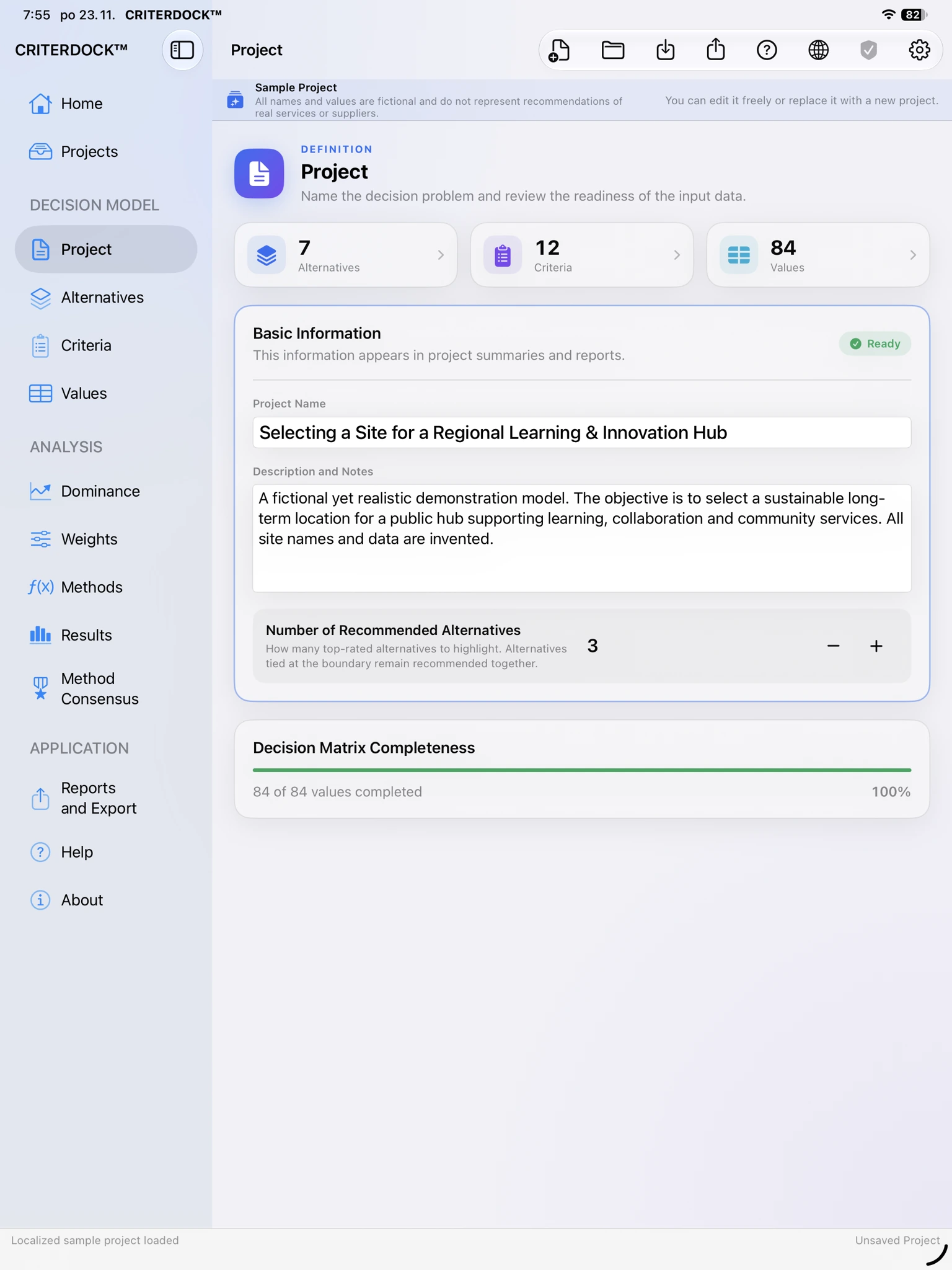
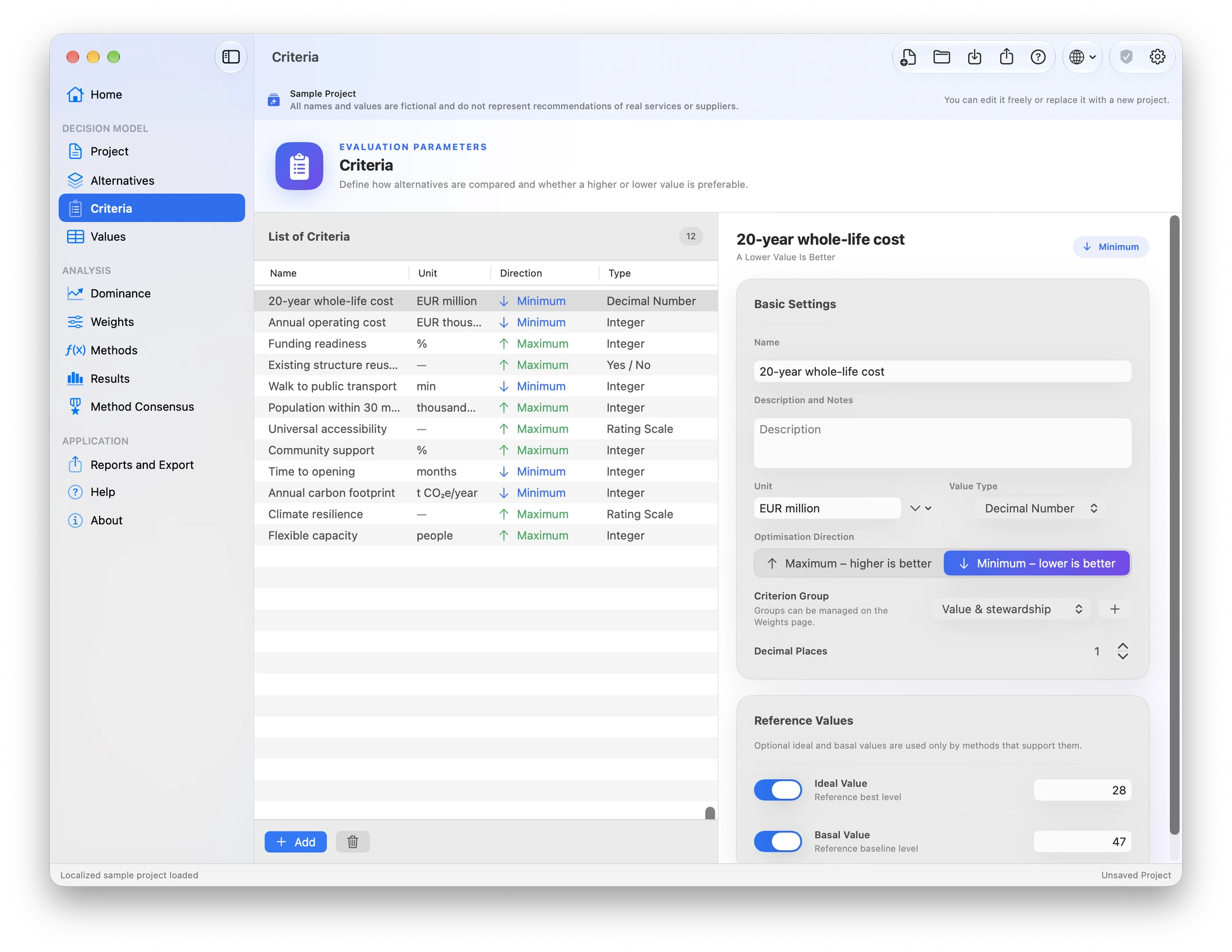
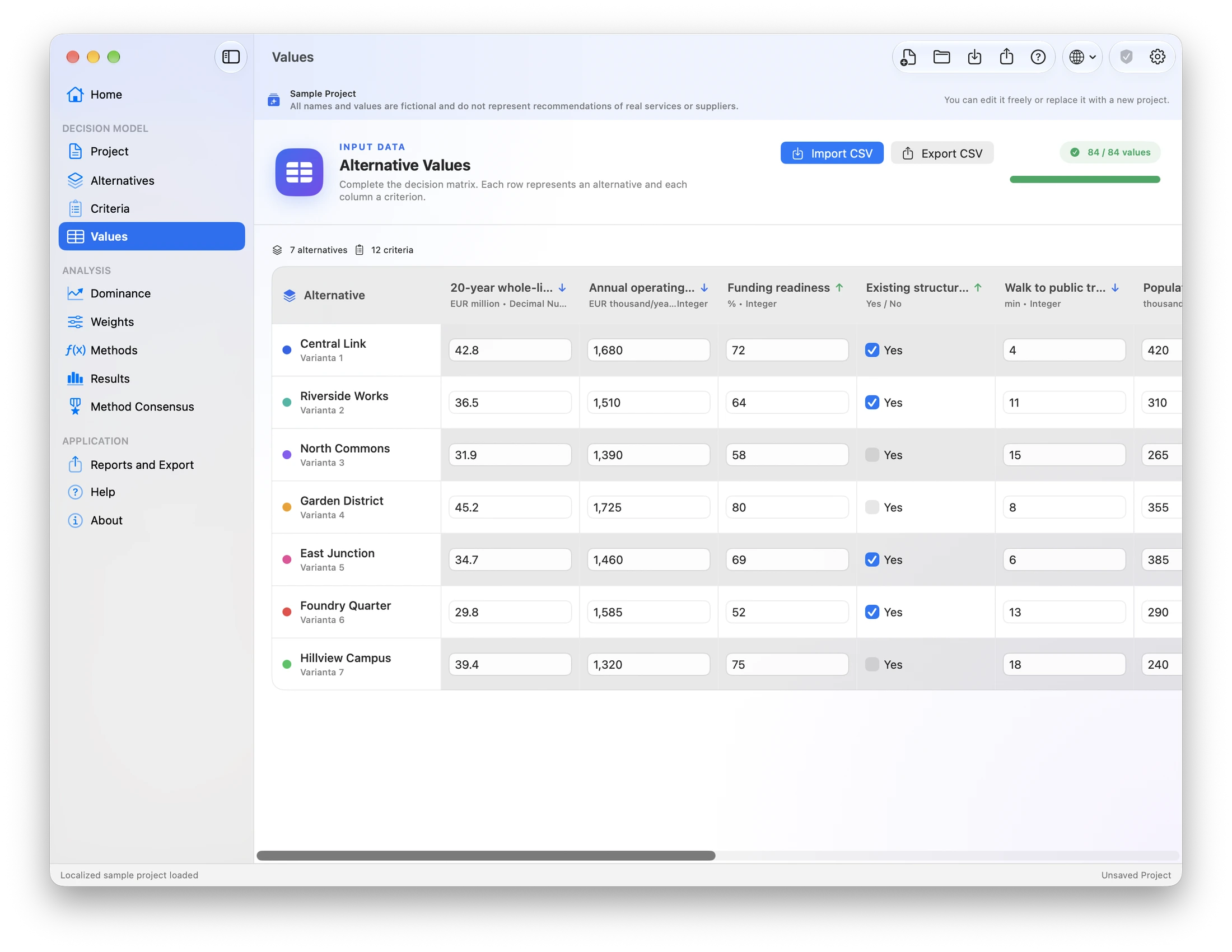
Add alternatives, describe your criteria, and enter the values. Keep benefits, costs and qualitative ratings together.
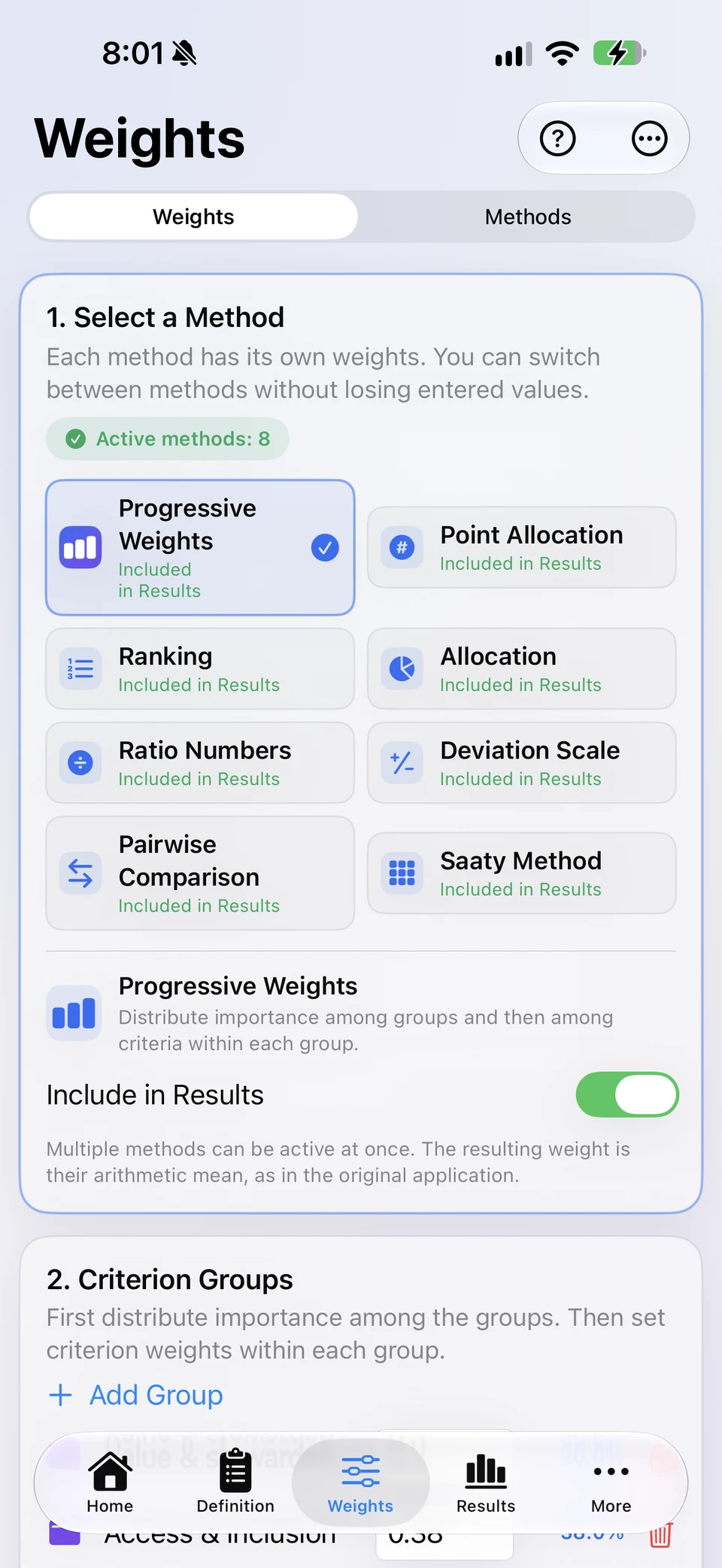
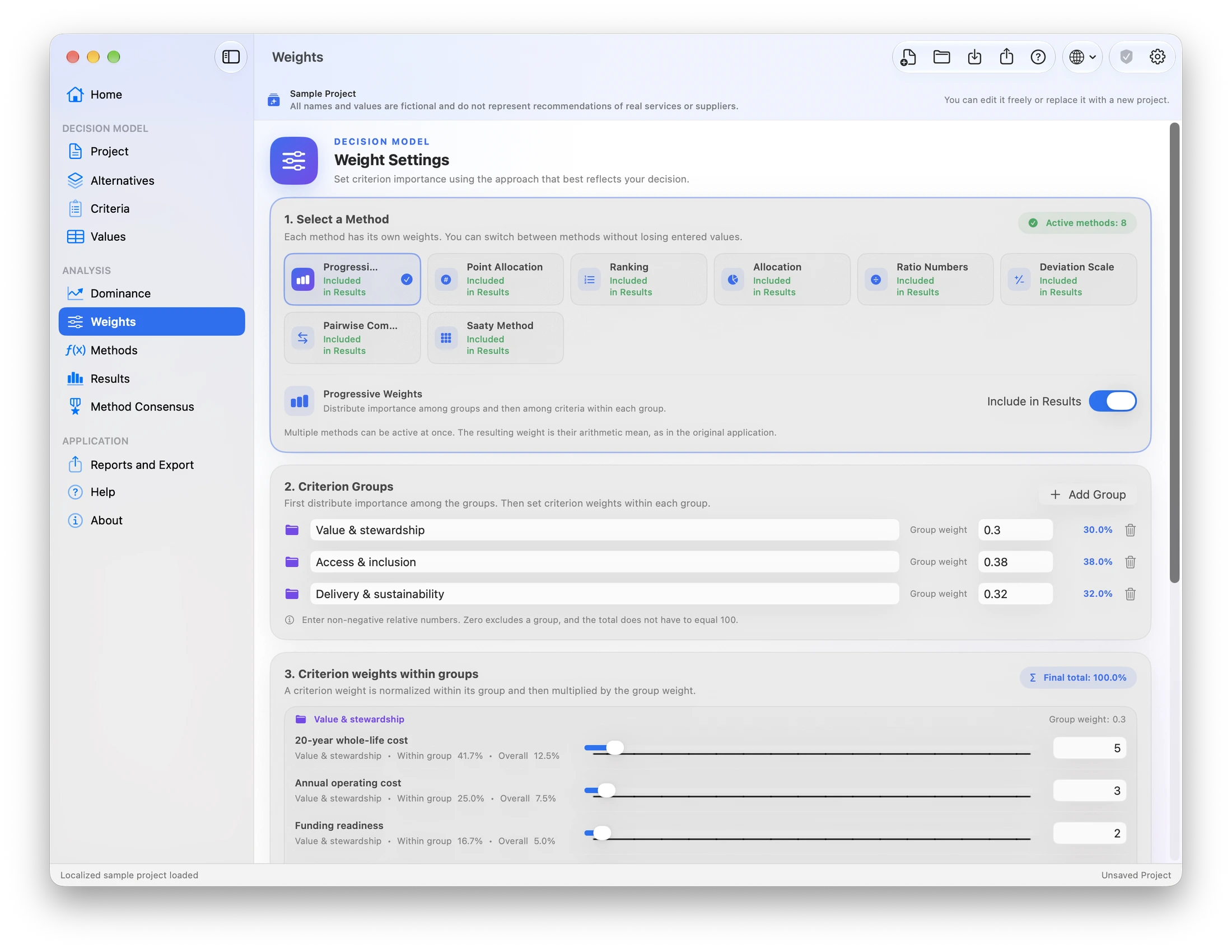
Weight your criteria and groups. Compare weighting methods and see how the priorities affect your analysis.
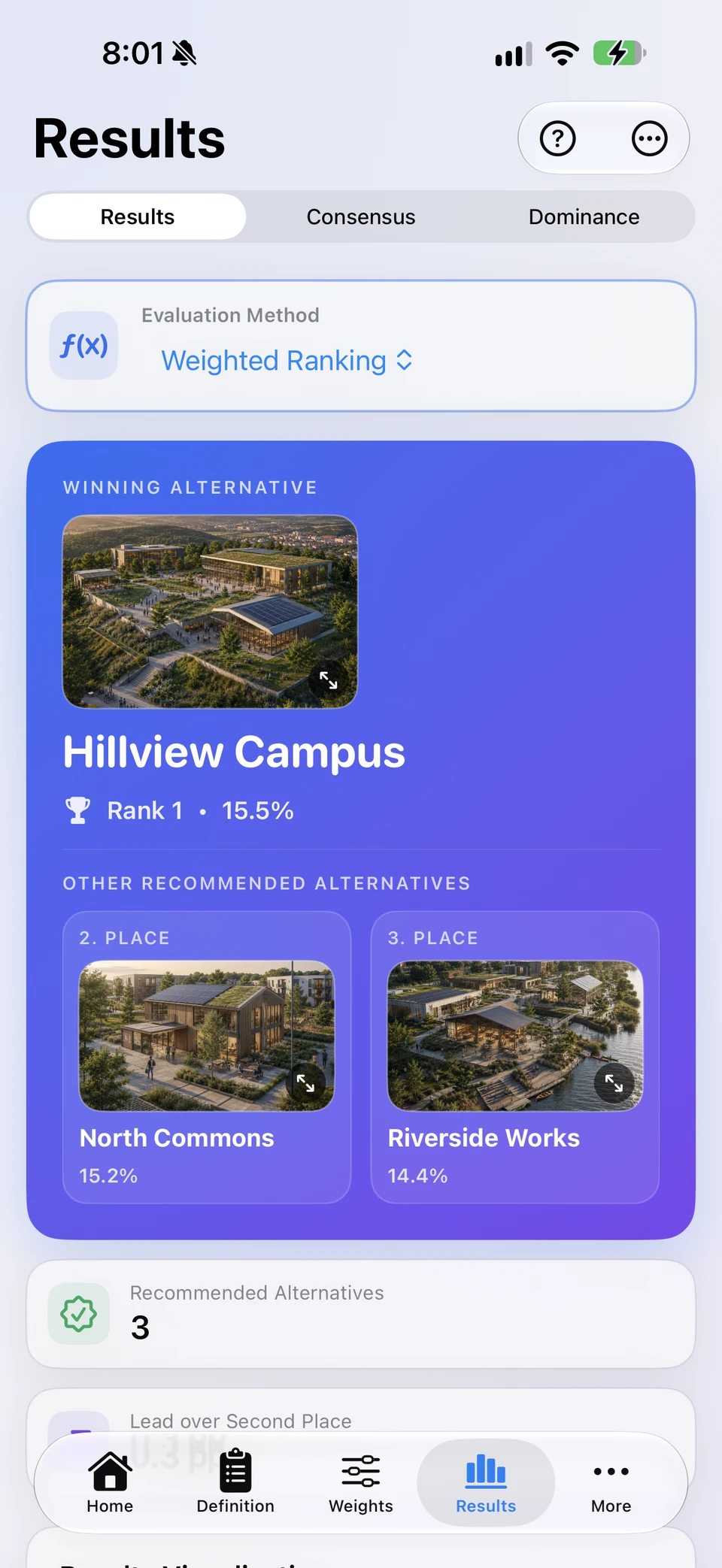
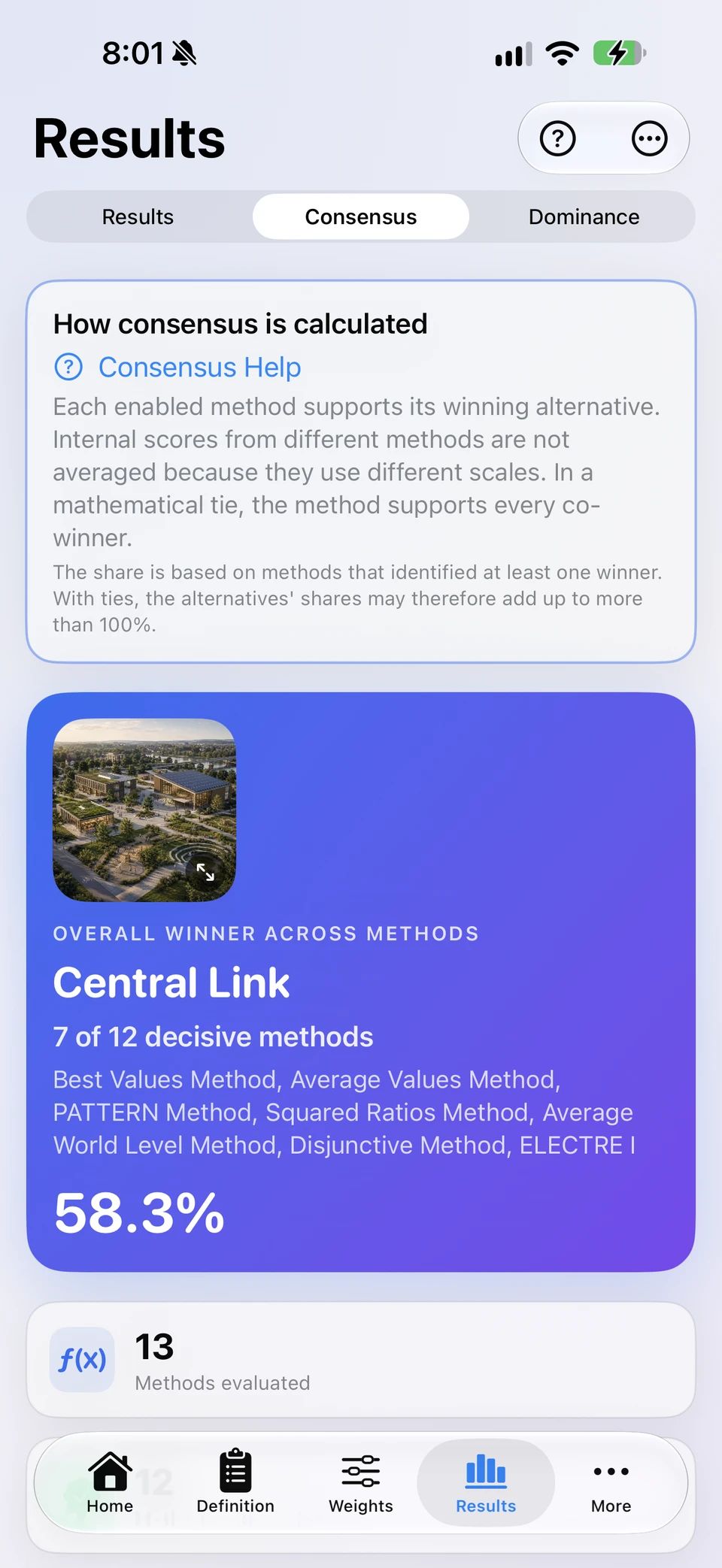
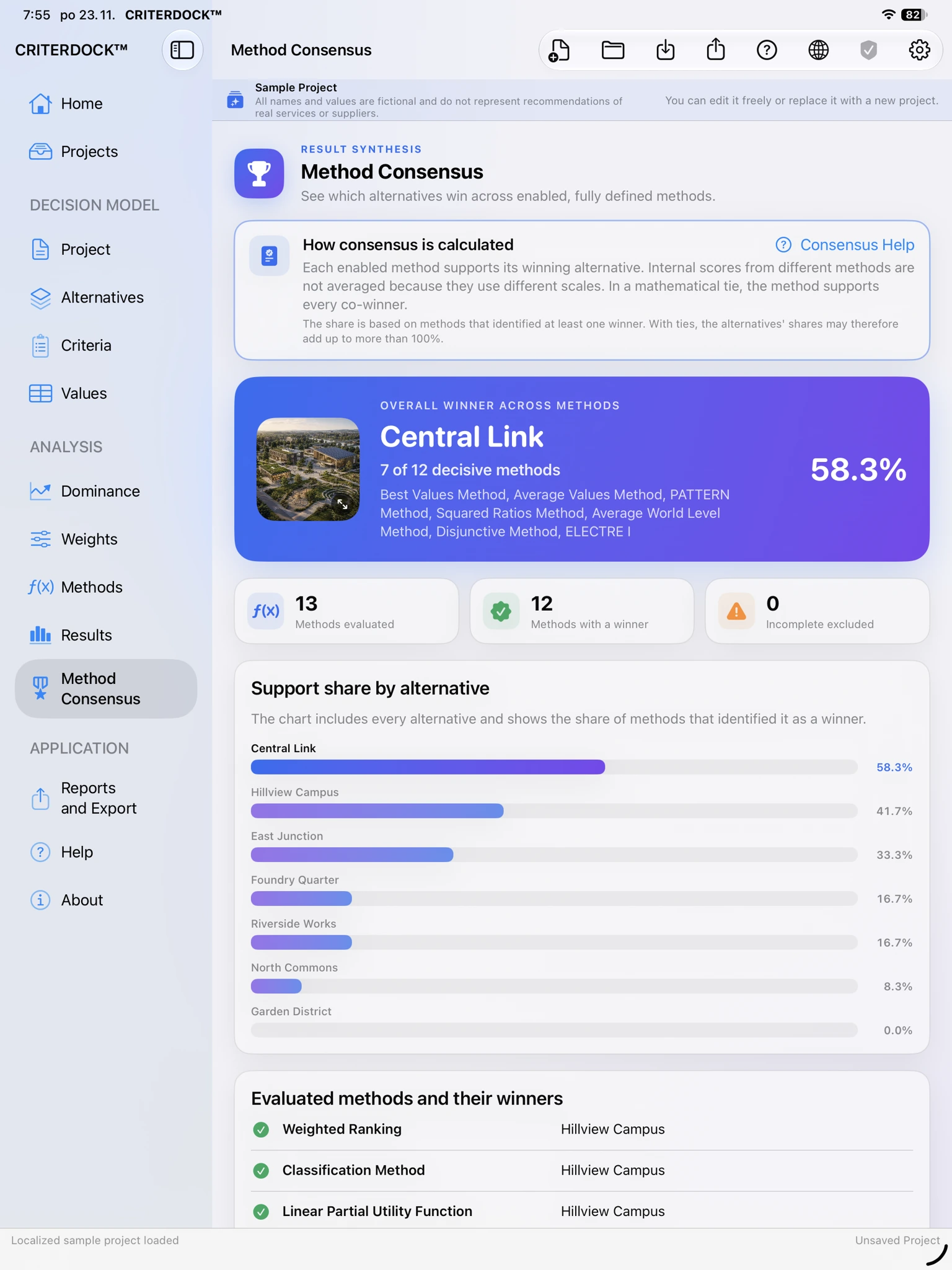
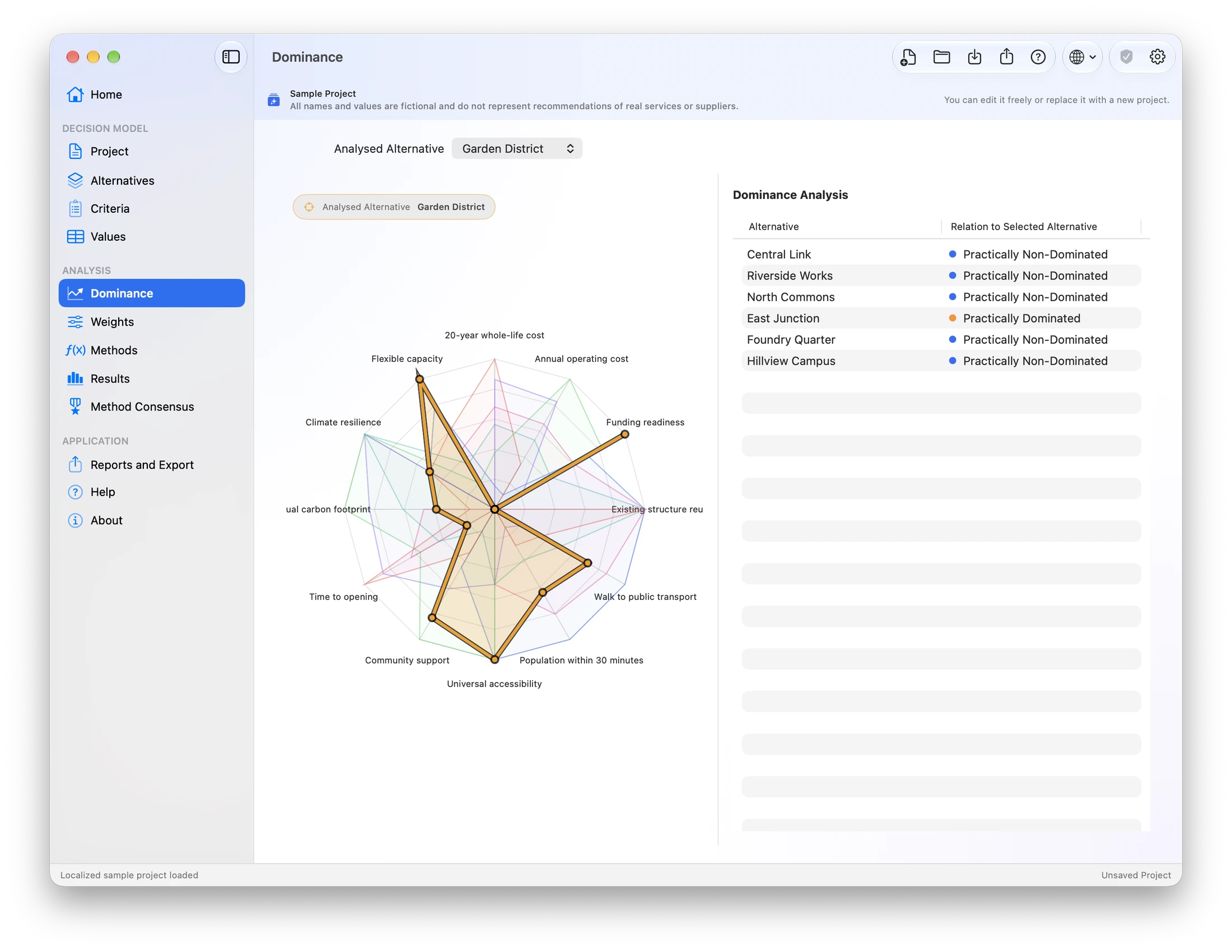
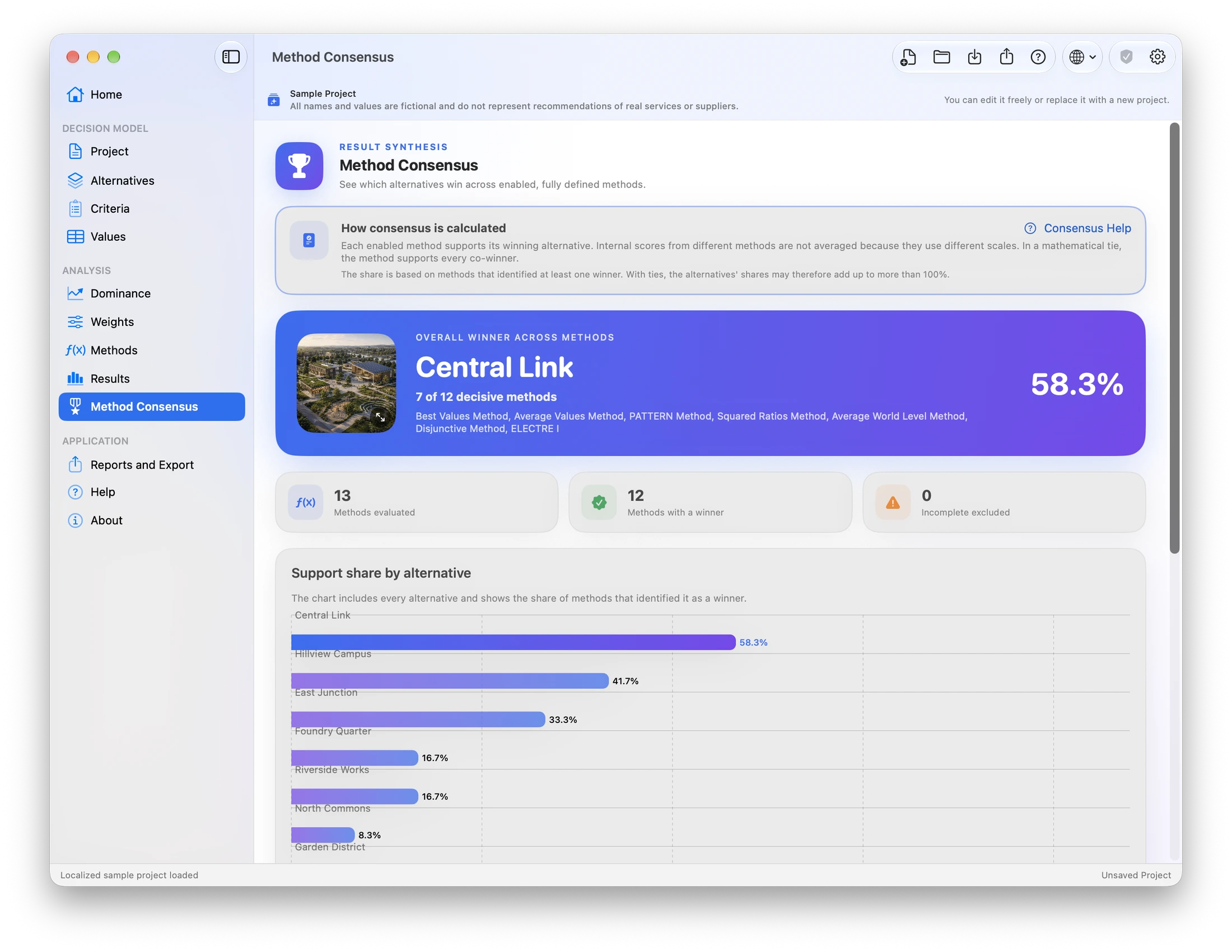
Review rankings, charts and calculations. Method consensus shows where the approaches agree.
A RESULT YOU CAN EXPLAIN
Keep the inputs, priorities and outcome connected. Return to any part of the analysis to understand what is driving your recommendation.
Rankings and alternative profiles make trade-offs visible. Review scores and shares in the context of your own data.
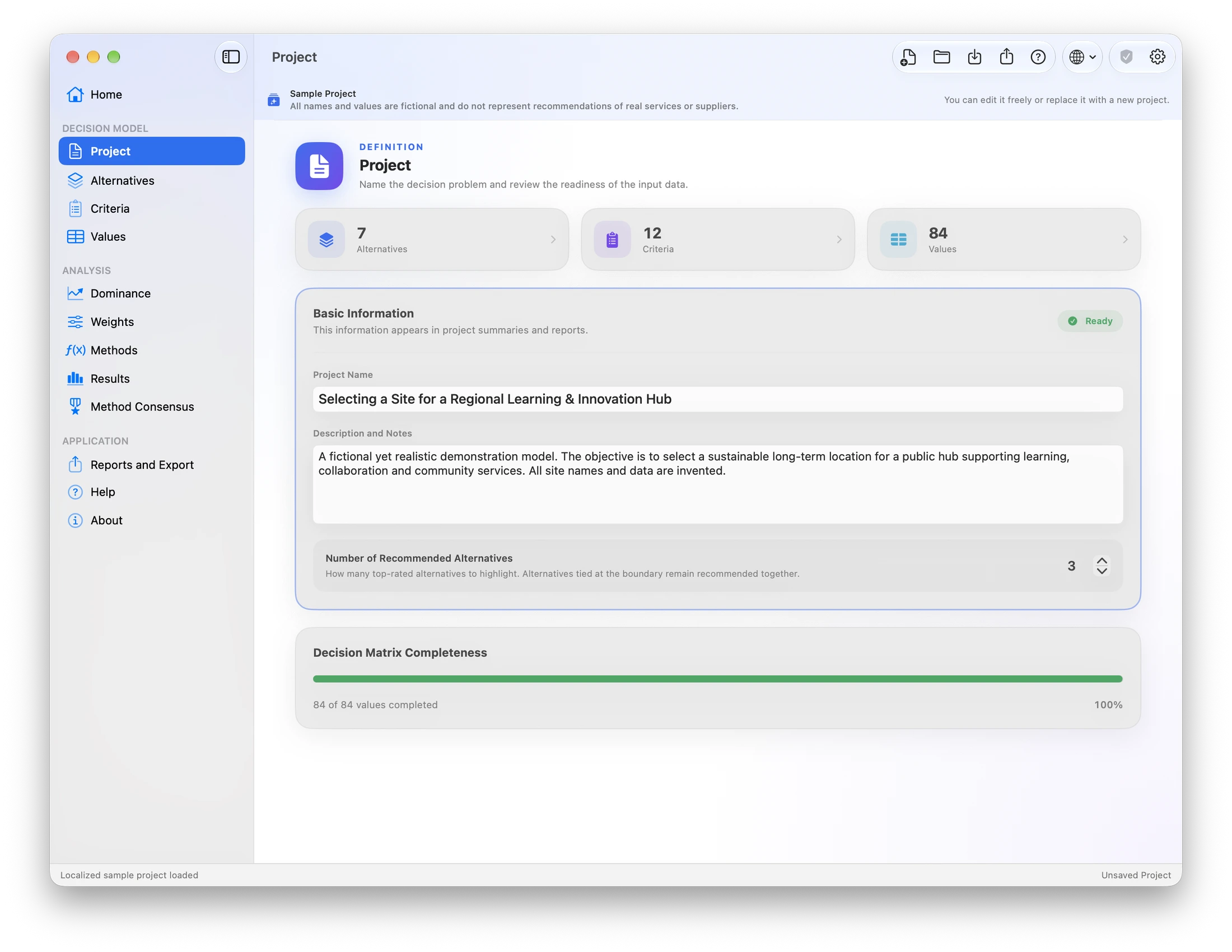
REAL APP SCREENS
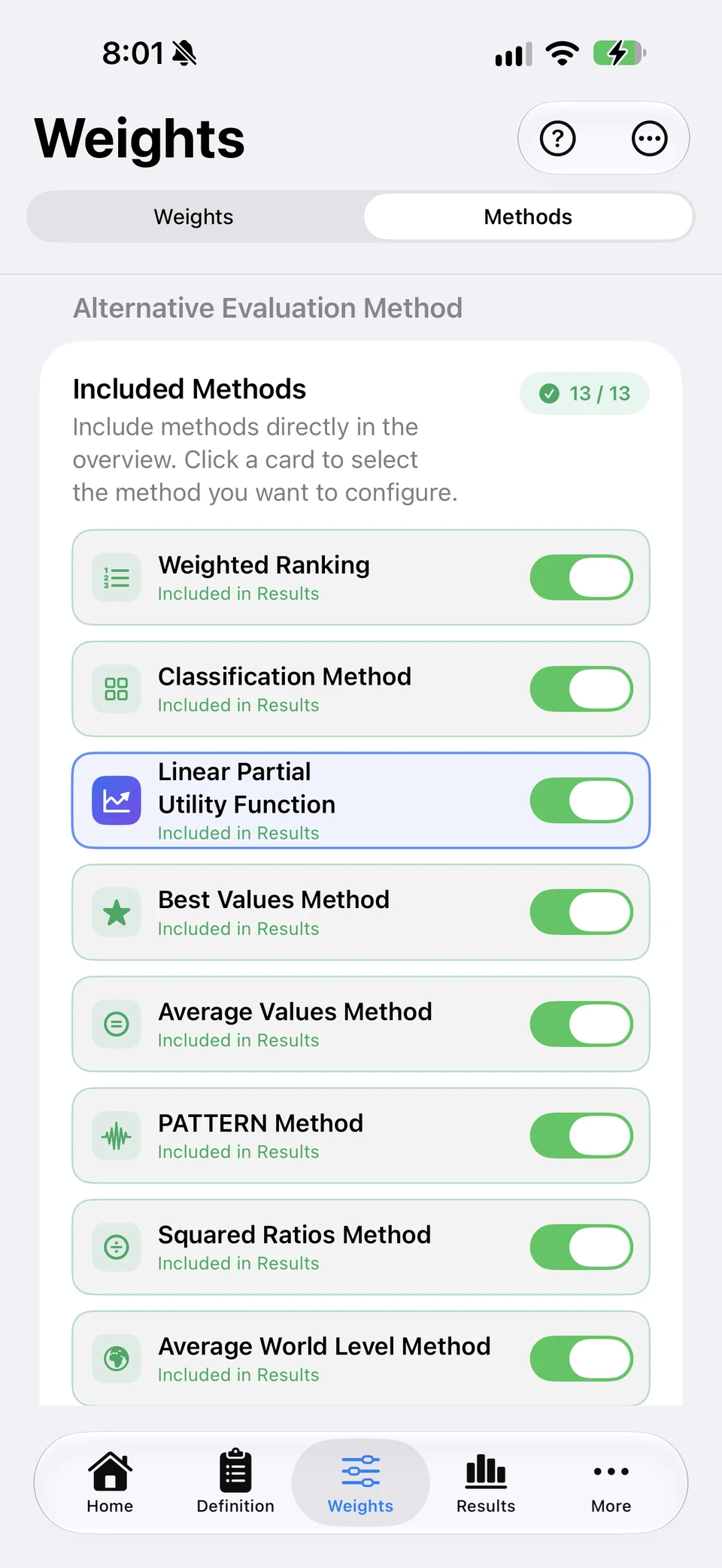
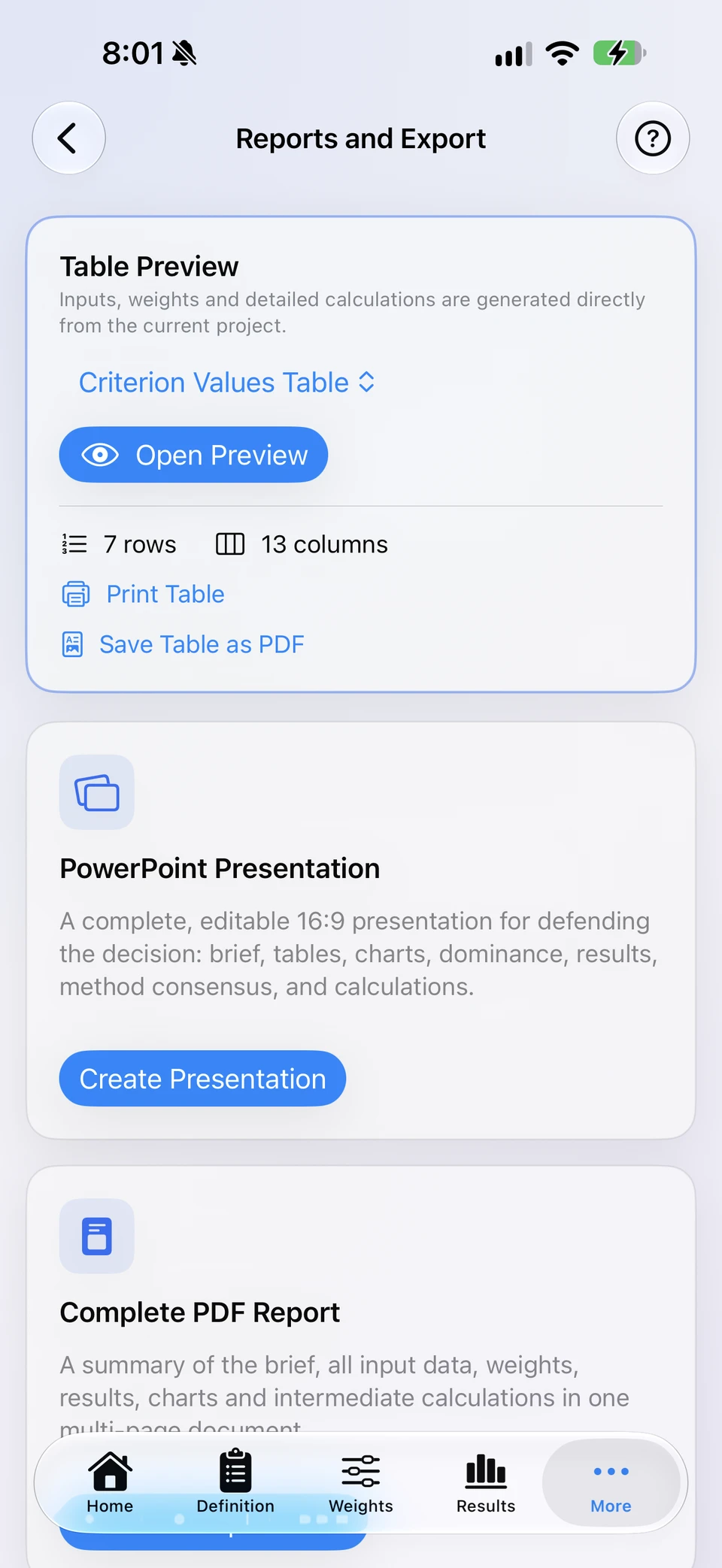
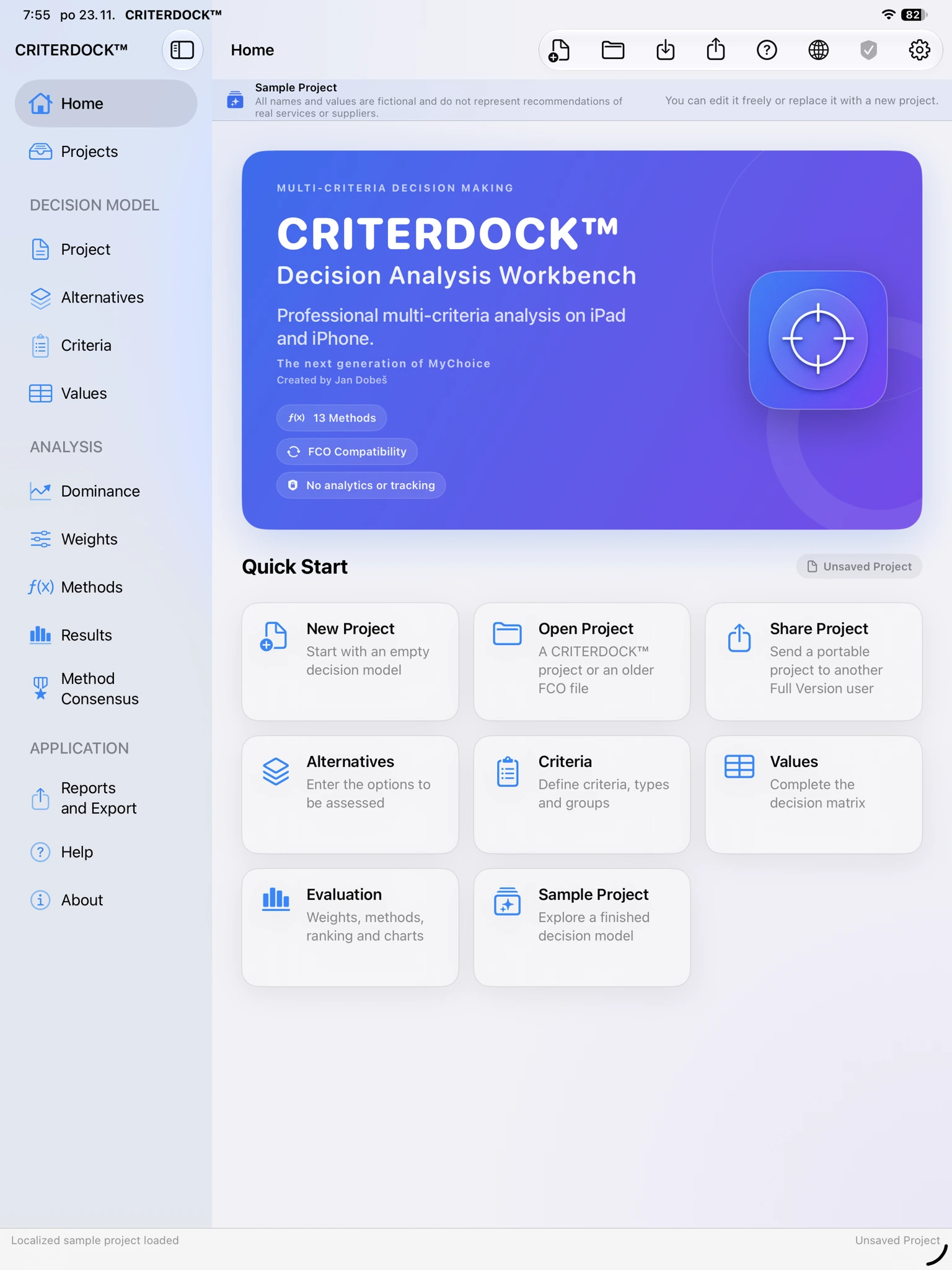
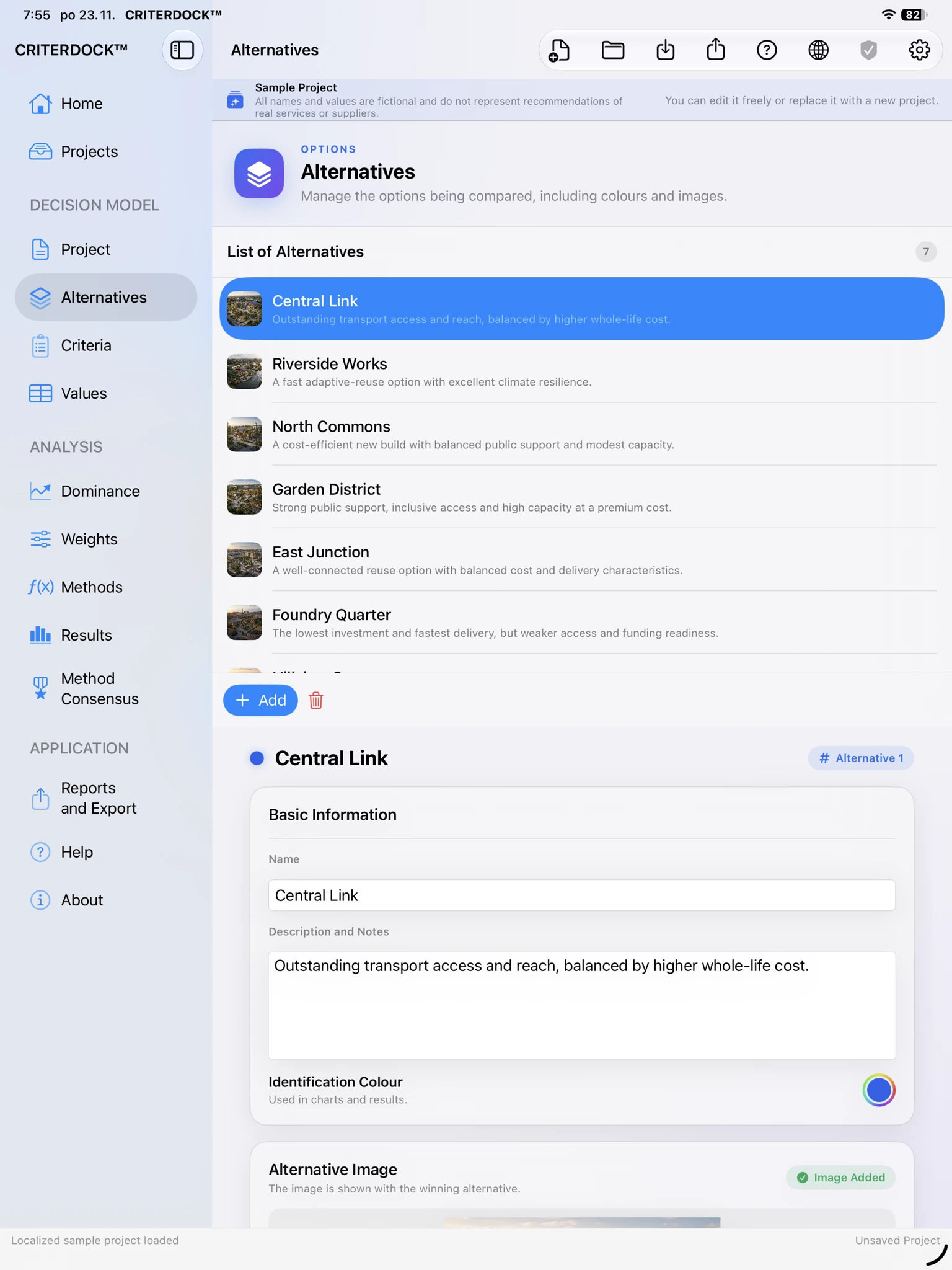
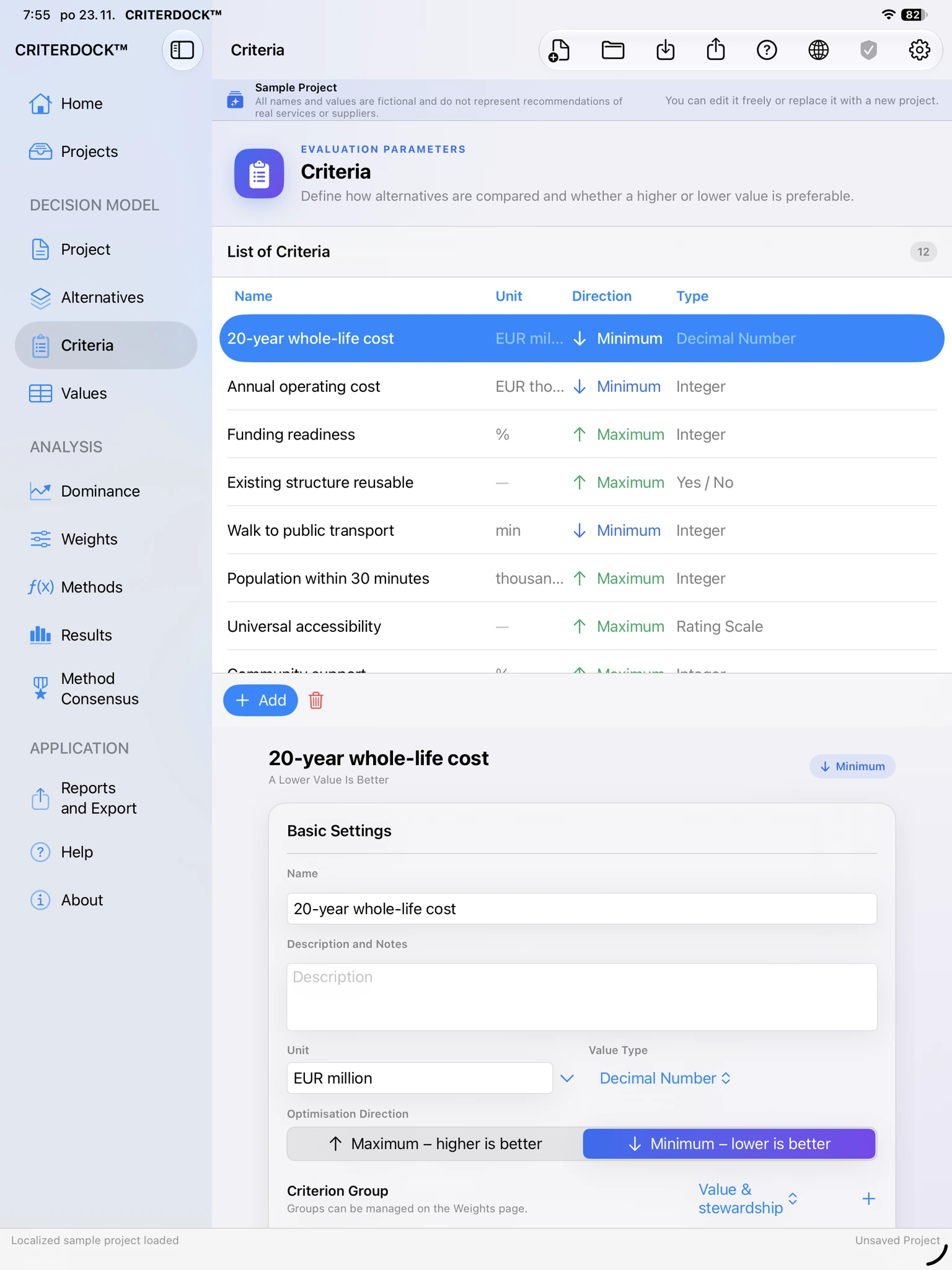
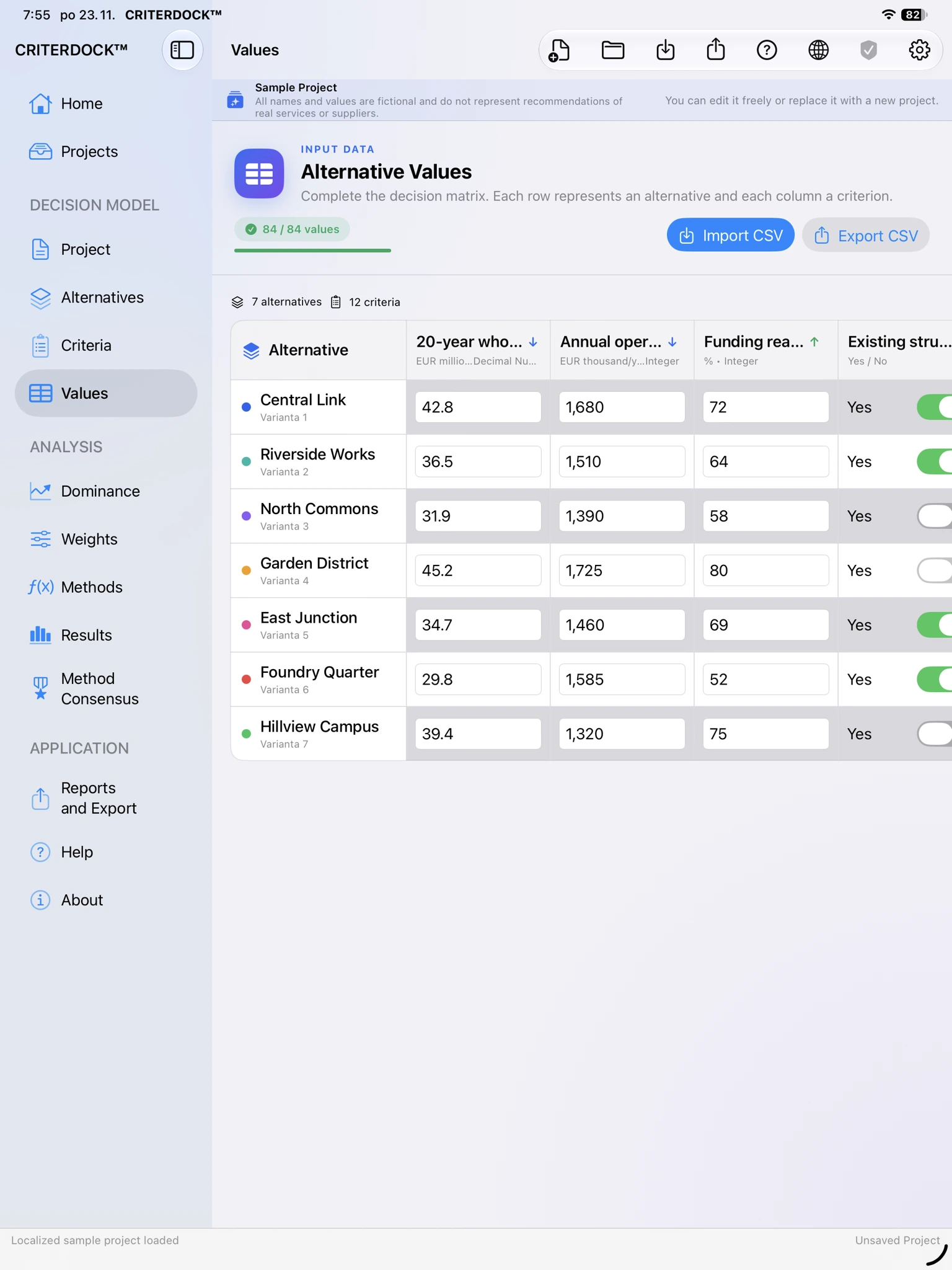
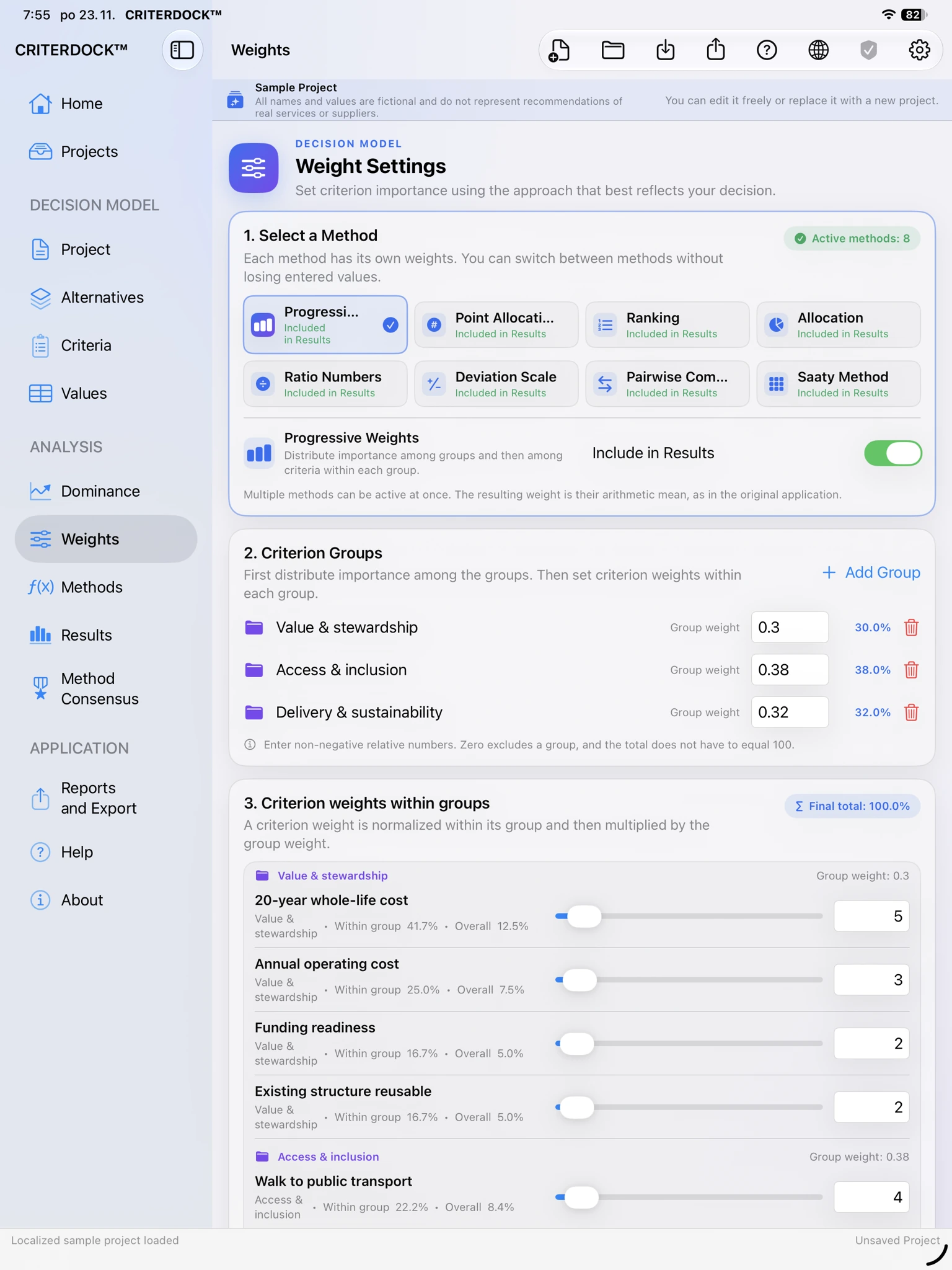
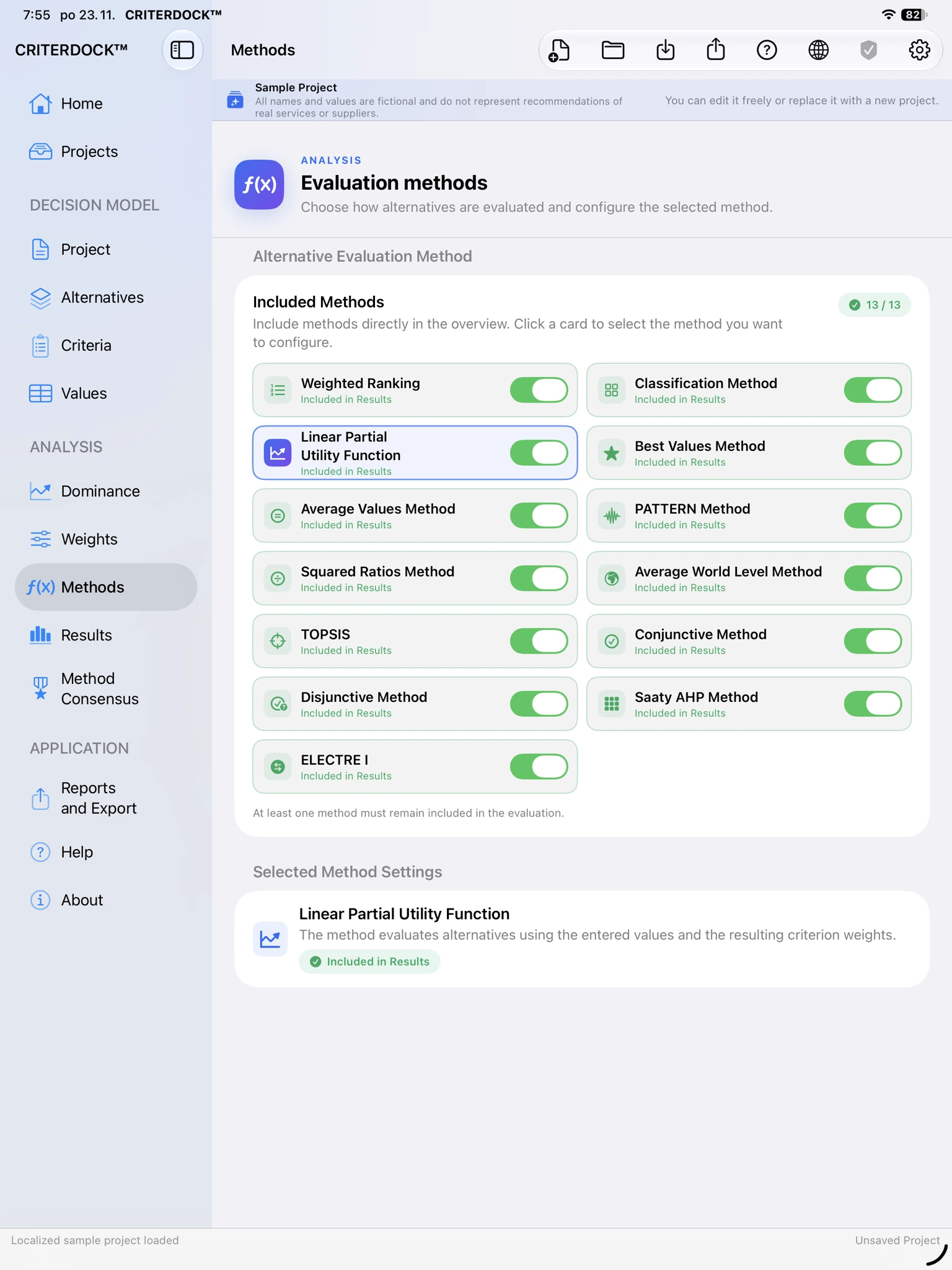
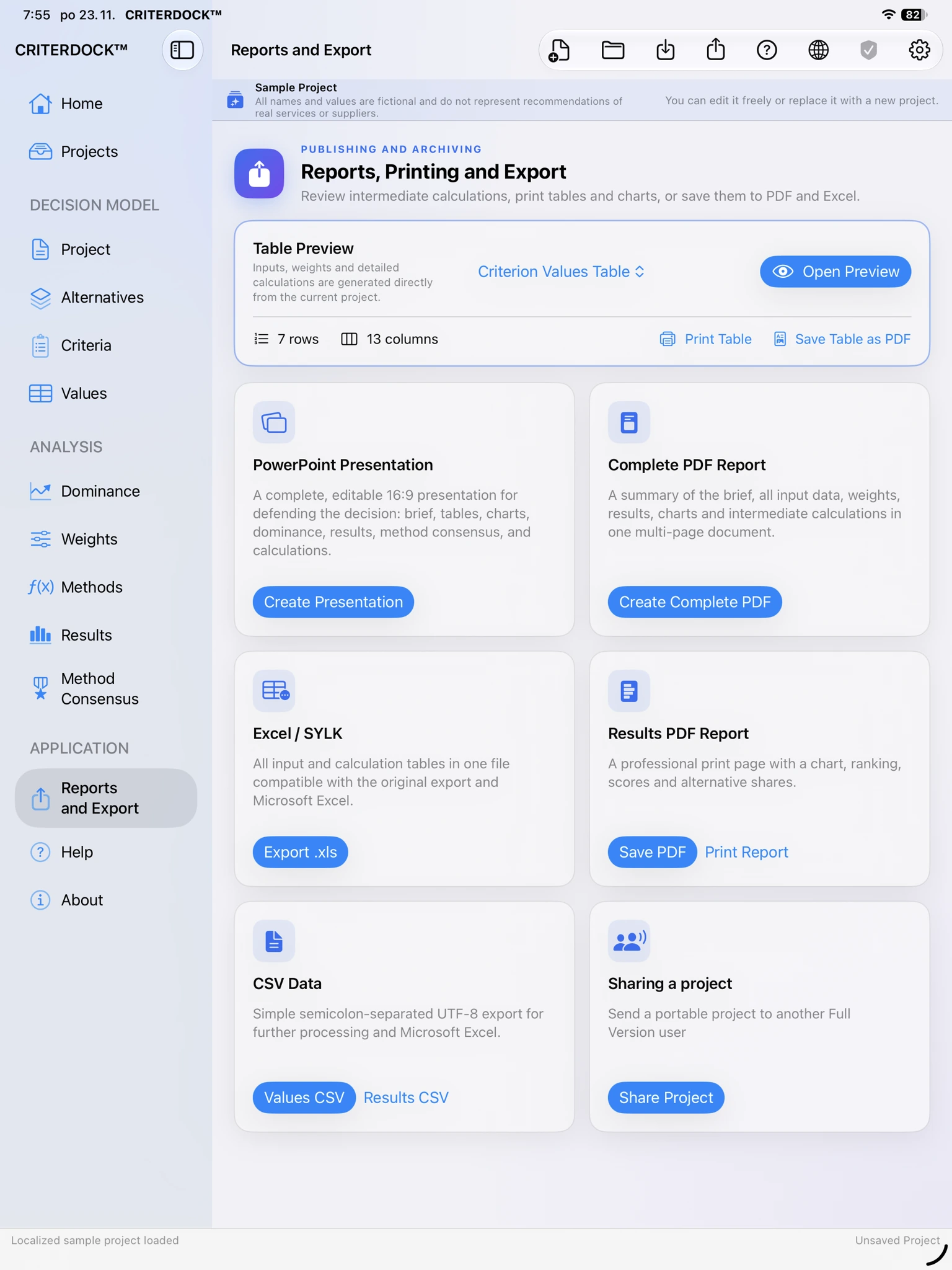
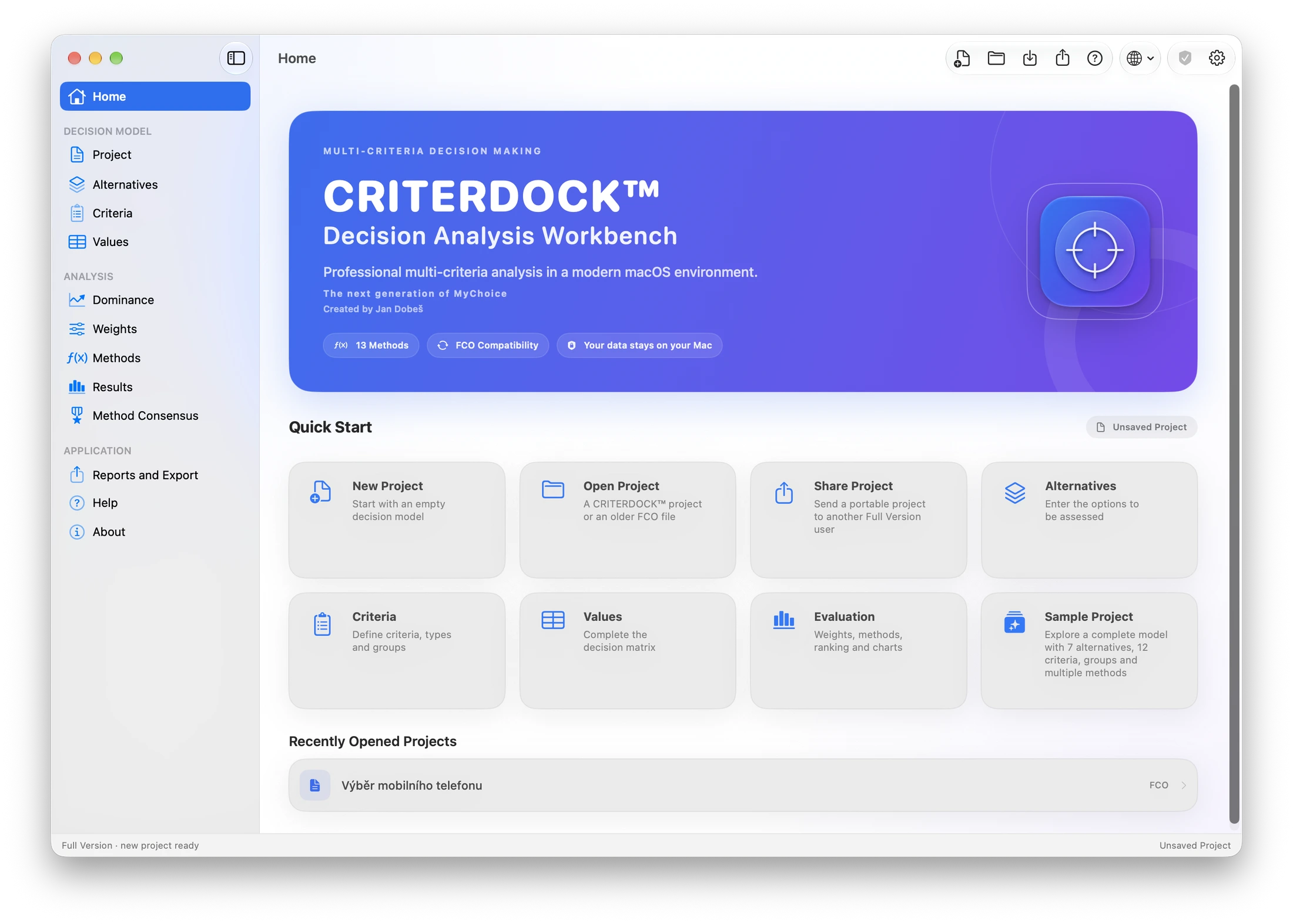
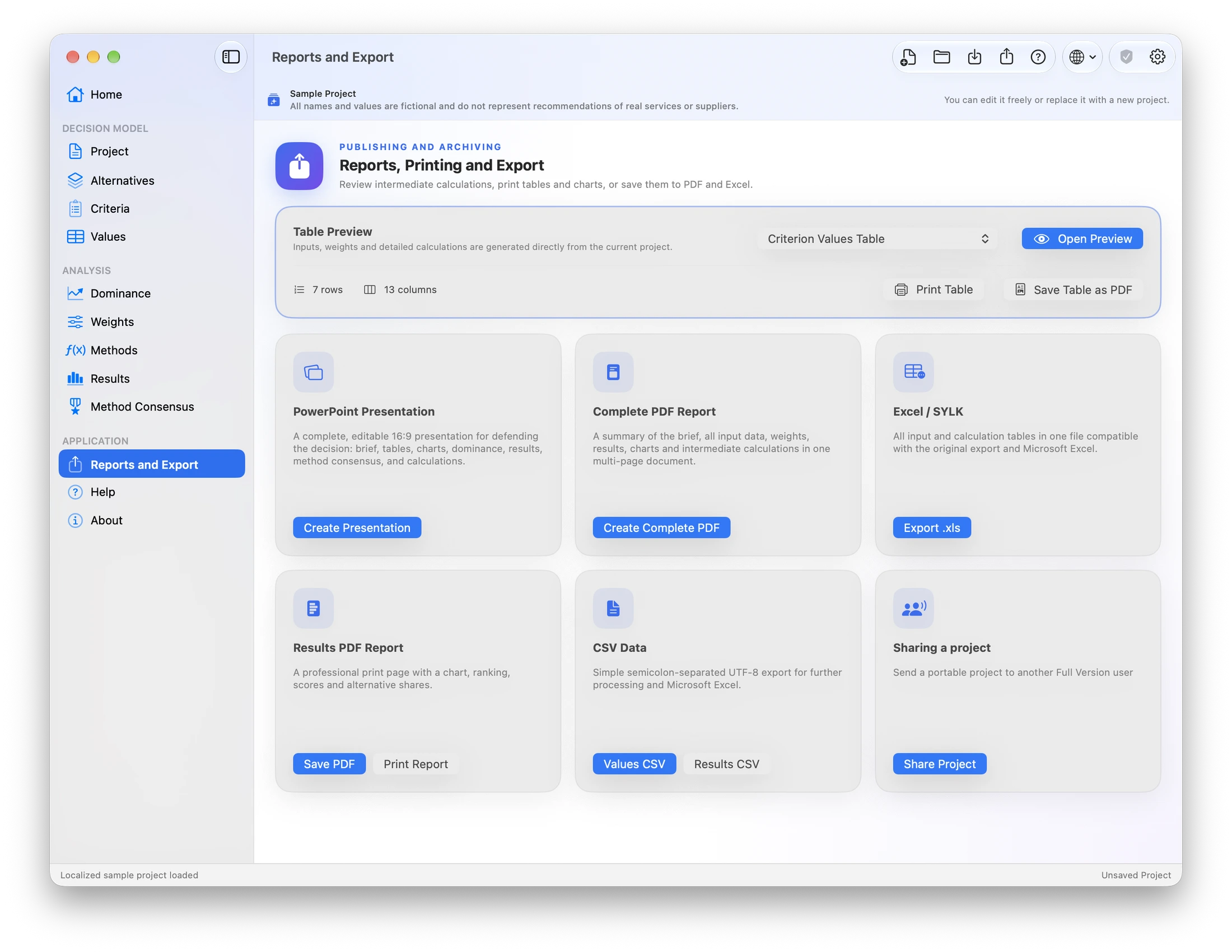
Explore the app on iPhone, iPad and Mac in your language. Select a screen to see the details.
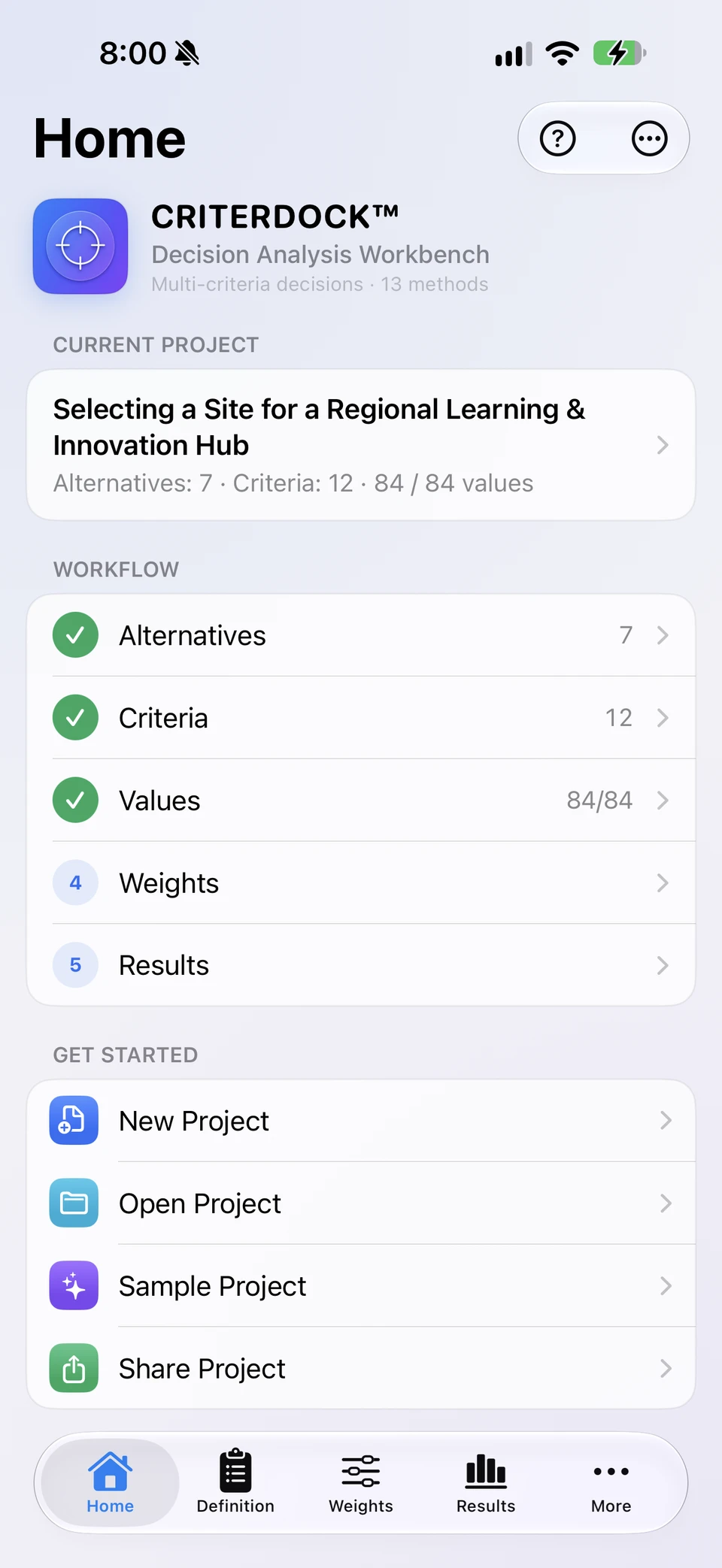
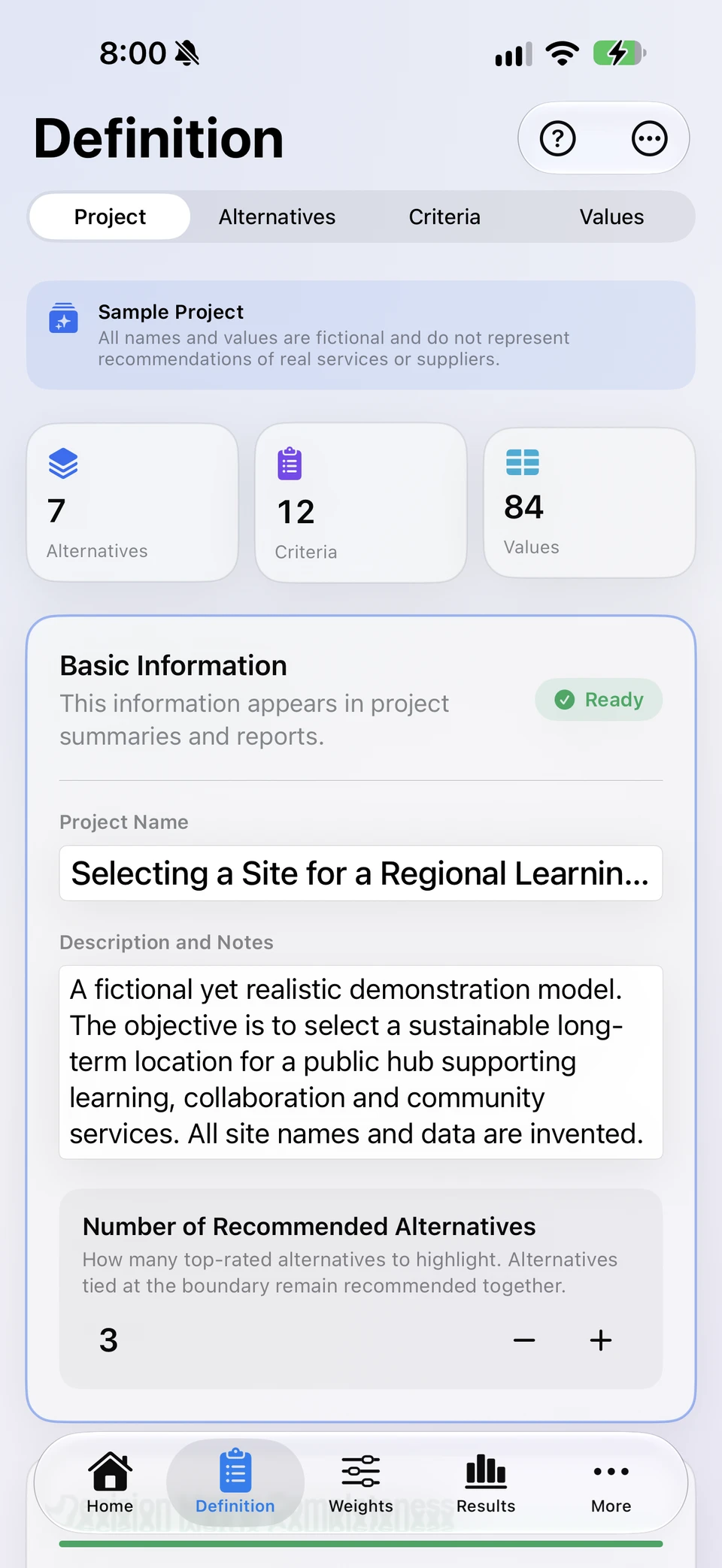
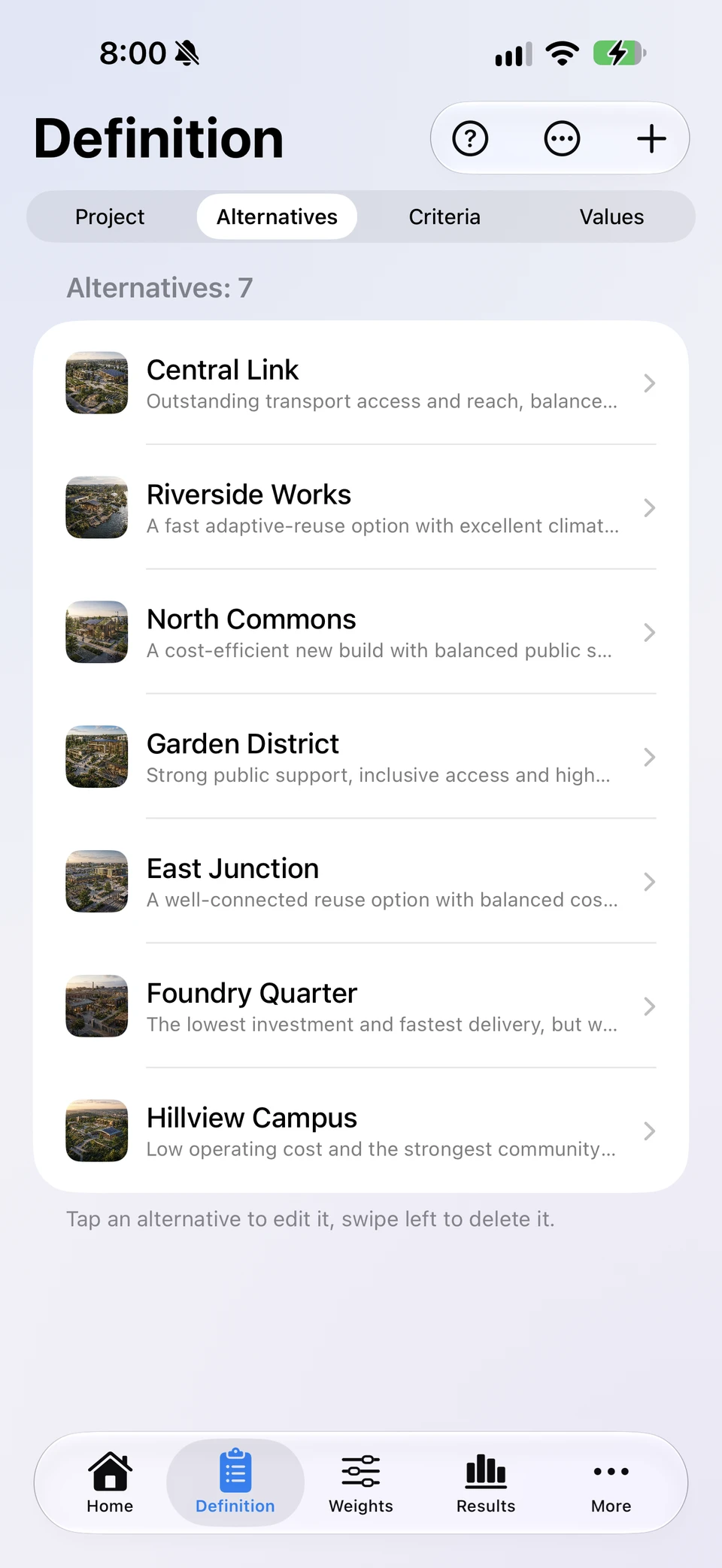
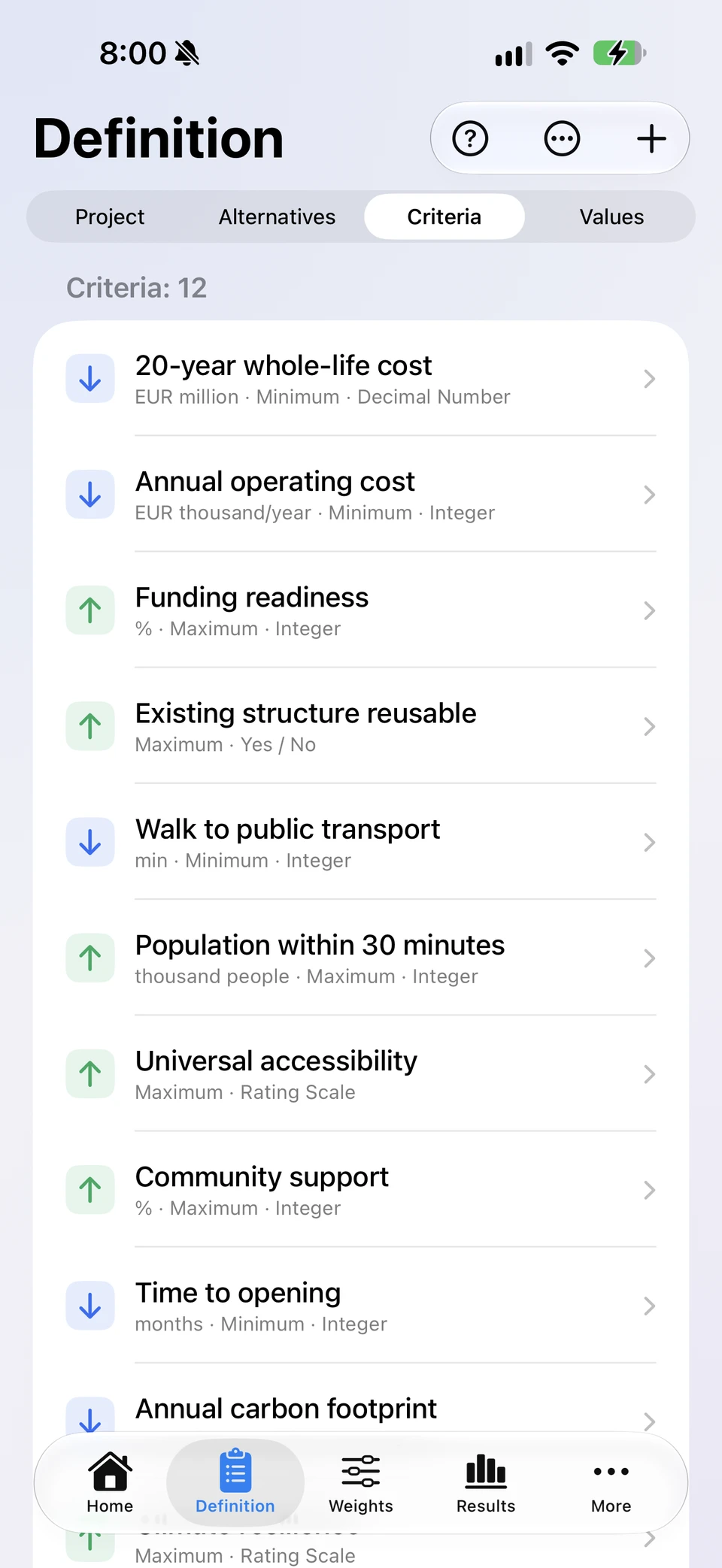

METHODS, WITH TRANSPARENCY
Your method determines how values and priorities become a result. Compare approaches using the same data and inspect their intermediate calculations.

Combines ordinal ratings of alternatives with criterion weights. Compare options through partial scores and the importance of each criterion.
Transforms partial ratings onto a common scale and combines them with weights. Helps compare criteria expressed in different units.
Converts performance on each criterion into linear utility and sums the weighted contributions. A clear way to express trade-offs between criteria.
Compares values with the best reference level for each criterion. Shows how alternatives perform against this benchmark.
Compares values with the arithmetic mean across alternatives. Assess relative performance against the average level.
Uses ratios to a reference minimum while accounting for criterion direction. Offers another way to transform different measurement scales.
Squares ratios to a reference value. Emphasises differences in the relative performance of alternatives.
Uses the geometric mean of values as a reference. Evaluates relative performance through a ratio-based approach.
Compares distances to an ideal and a worst reference alternative. Seeks closeness to the ideal alongside distance from the anti-ideal.
Requires every criterion to meet its aspiration threshold. Useful when none of the requirements may be overlooked.
Requires the aspiration threshold to be met on at least one criterion. Identifies alternatives that excel in a required area.
Derives local alternative priorities from pairwise Saaty comparisons for each criterion. Combines them with criterion weights for an overall assessment.
Examines pairwise outranking through concordance of weights and discordance. Produces an outranking relation and its kernel rather than a simple sum of points.
Distributes importance between groups and then between criteria within each group. Suited to a hierarchical decision structure.
Assign points to criteria according to their importance. The app converts them into normalised weights.
Order criteria by importance. Weights are derived from the ranking, accounting for tied positions.
Distribute a shared point budget among criteria. Their shares express relative importance.
Express criterion importance as relative numbers. Normalisation preserves their proportions.
Derives weights from deviations of the entered values from the median. A scale-based way to express priorities.
Compare two criteria at a time and indicate a preference or a tie. Weights follow from the pairwise results.
Express the strength of preference in pairwise comparisons. The Saaty matrix turns these judgements into criterion priorities.
Rankings and recommendations depend on your data, weights and method settings. Threshold methods check requirements; ELECTRE I uses an outranking relation and may identify several equal candidates or no winner.
ONE PROJECT, ACROSS YOUR DEVICES
Start on your iPhone, review on iPad, and work through the detail on your Mac. With iCloud enabled, your projects follow the same Apple Account.
Native interfaces for iPhone, iPad and Mac. iOS / iPadOS 18 or later, macOS 15 or later.
Project calculations run on your device. Optional iCloud synchronisation connects your devices. No advertising or analytics.
The full version adds project management, imports, CSV and Excel/SYLK exports, PDF reports, PowerPoint presentations, printing and sharing.
A CLEAR WAY TO GET STARTED
A free project to explore the complete analysis. A one-time purchase when you need to manage, export and share your work.
0
no time limit
Build one complete project of your own.
One purchase
no subscription
A workspace for projects you need to develop and share.
The App Store shows the current local price before you confirm a purchase.
FAQ
The full version is a one-time in-app purchase. The free mode has no time limit. The App Store shows the price and purchase terms before confirmation.
The project targets iPhone and iPad with iOS / iPadOS 18 or later, and Macs with macOS 15 or later. The interface is available in English, Czech, German, French and Spanish.
You can enter data and perform calculations on your device. iCloud synchronisation, purchases and some sharing services require an internet connection.
You choose the data, priorities and methods. CRITERDOCK calculates results and helps you examine them. Important decisions still need your assessment and, where appropriate, professional advice.

CRITERDOCK FOR APPLE DEVICES
We are preparing CRITERDOCK for the App Store. Availability and the download link will be published here.
Contact the developer